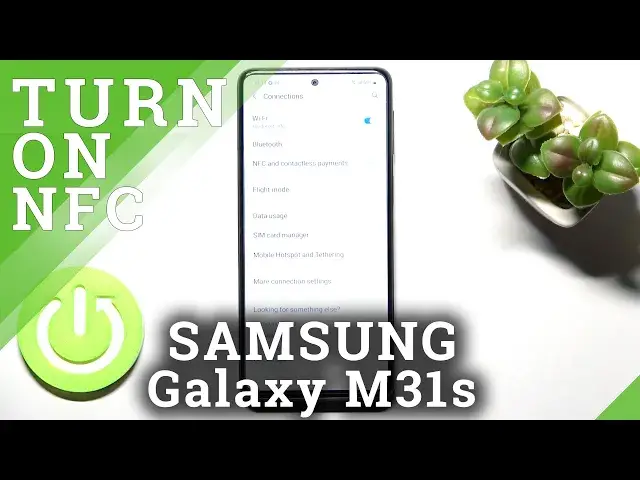

How to Turn On / Turn Off NFC on SAMSUNG Galaxy M31s // Contactless Payments
Jul 1, 2024

Learn more information about SAMSUNG Galaxy M31s:
https://www.hardreset.info/devices/samsung/samsung-galaxy-m31s/
The NFC technology on your SAMSUNG Galaxy M31s smaprthone allows you to use your device for convenient contactless payments. So, if you have some bank card added to the Google Pay /wallet on your SAMSUNG Galaxy M31s device, with activated NFC you will be able to make payments by putting your phone onto the bank terminal. In this video tutorial, our expert is going to showcase how you can enable or respectively disable the NFC feature on your SAMSUNG Galaxy M31s phone. Kindly enjoy and thank you for watching!
How to enable NFC on SAMSUNG Galaxy M31s? How to disable NFC on SAMSUNG Galaxy M31s? How to manage connections on SAMSUNG Galaxy M31s? How to configure NFC on SAMSUNG Galaxy M31s? How to configure contactless payments on SAMSUNG Galaxy M31s?
#SAMSUNGGalaxyM31s #NFC #SAMSUNGConnections
Follow us on Instagram ► https://www.instagram.com/hardreset.info
Like us on Facebook ►
https://www.facebook.com/hardresetinfo/
Tweet us on Twitter ► https://twitter.com/HardResetI
Support us on TikTok ► https://www.tiktok.com/@hardreset.info
Use Reset Guides for many popular Apps ► https://www.hardreset.info/apps/apps/
Show More Show Less