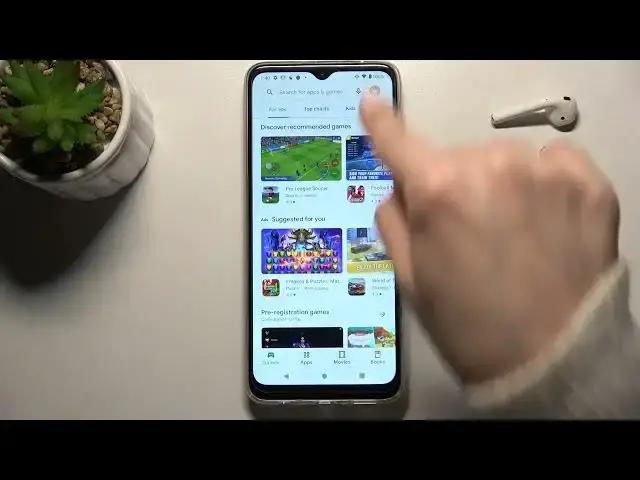

How to Turn Off Auto Updates Apps on Motorola Moto G50 – Disable Automatic Apps Update
Apr 8, 2024

Check more Info about Motorola Moto G50:
https://www.hardreset.info/devices/motorola/motorola-moto-g50/
Hey Everyone! All applications installed on your Motorola Moto G50 tend to be updated periodically, as the manufacturers of these applications fix bugs or make some changes to them. But if you don't want apps on your Motorola Moto G50 to update on their own, then we can show you how to turn off automatic app updates on Motorola Moto G50. To find out how to do it, all you need to do is open our video tutorial. Well, good luck! For more information visit our HardReset.info YT channel and discover many useful tutorials for Motorola Moto G50.
How to Disable Automatic Apps Updates on Motorola Moto G50?
How to Switch Off Auto Updates Apps on Motorola Moto G50?
How to Change Apps Updates Settings on Motorola Moto G50?
#AppUpdate #UpdatesSettings #MotorolaMotoG50
Follow us on Instagram ► https://www.instagram.com/hardreset.info
Like us on Facebook ► https://www.facebook.com/hardresetinfo/
Tweet us on Twitter ► https://twitter.com/HardResetI
Support us on TikTok ► https://www.tiktok.com/@hardreset.info
Use Reset Guides for many popular Apps ► https://www.hardreset.info/apps/apps/
Show More Show Less