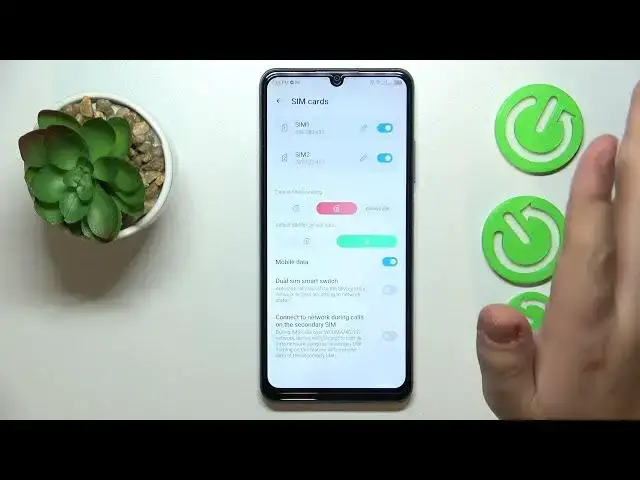

How to Switch the SIM Card Preferences on ZTE Blade A72S
Mar 17, 2024

Learn more about the ZTE Blade A72S: https://www.hardreset.info/devices/zte/zte-blade-a72s/tutorials/
If you're using a dual SIM card setup on your ZTE Blade A72S, managing SIM card preferences can be important for optimizing your mobile experience. In this tutorial video, we'll walk you through the steps to change SIM card preferences on your ZTE Blade A72S. You'll learn how to select a default SIM card for making calls, sending messages, and using mobile data. We'll also cover how to customize your SIM card settings, such as setting a preferred SIM for specific contacts or activities. Whether you want to prioritize one SIM card over the other or have different preferences for different communication needs, this video will guide you through the process. Kindly enjoy and thanks for watching!
How to change the SIM card preferences on ZTE Blade A72S? How to set a preferred SIM card for a mobile network on ZTE Blade A72S? How to change the SIM card used for phone calls on ZTE Blade A72S? How to manage preferred SIM cards on ZTE Blade A72S?
#ZTEBladeA72S #SIMCard #ZTEMobile
Follow us on Instagram ► https://www.instagram.com/hardreset.info
Like us on Facebook ►
https://www.facebook.com/hardresetinfo/
Tweet us on Twitter ► https://twitter.com/HardResetI
Support us on TikTok ► https://www.tiktok.com/@hardreset.info
Use Reset Guides for many popular Apps ► https://www.hardreset.info/apps/apps/
Show More Show Less