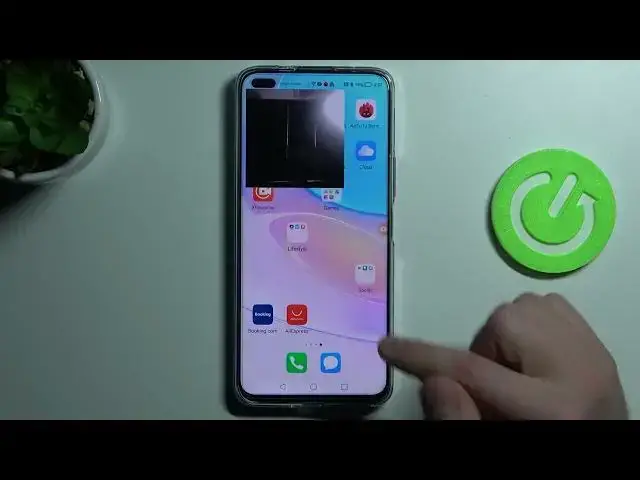

How to Switch On / Switch Off Front Camera in Screen Recording on HUAWEI Nova 8I // xRecorder App
Jul 3, 2024

Learn more information about HUAWEI Nova 8I:
https://www.hardreset.info/devices/huawei/huawei-nova-8i/
This video is brought to you with the purpose of showing how you can configure xRecorder app for recording the screen of your HUAWEI Nova 8I smartphone. Today, in particular, we wanted to teach how you can enable or disable the selfie camera during your screen recordings. If you ever had a question regarding how you can turn on or turn off the front camera of your phone when recording the screen, we are humbly inviting you to watch this video. Please enjoy!
How to enable a selfie camera while recording screen on HUAWEI Nova 8I? How to show the footage from the front camera when recording screen on HUAWEI Nova 8I? How to use the xRecorder app on HUAWEI Nova 8I?
#HUAWEINova8I #xRecorder #HUAWEIScreenRecording
Follow us on Instagram ► https://www.instagram.com/hardreset.info
Like us on Facebook ►
https://www.facebook.com/hardresetinfo/
Tweet us on Twitter ► https://twitter.com/HardResetI
Support us on TikTok ► https://www.tiktok.com/@hardreset.info
Use Reset Guides for many popular Apps ► https://www.hardreset.info/apps/apps/
Show More Show Less