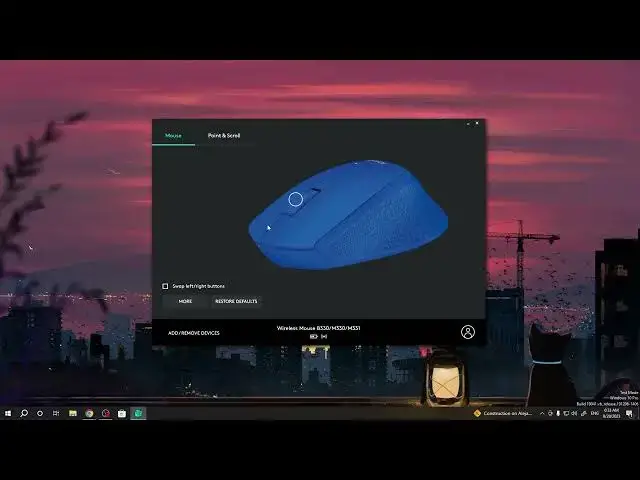

How To Swap Left & Right Buttons In Logitech M330 Silent Plus
Mar 10, 2024

Visit Our Website For More : https://www.hardreset.info
Discover a whole new level of control and comfort with your Logitech M330 Silent Plus wireless mouse by learning how to swap the functions of the left and right buttons. Whether you're left-handed, prefer a unique clicking experience, or want to switch things up, this tutorial will guide you through the process of customizing your mouse's button layout. In this step-by-step guide, we'll show you how to make the left button act as the right and vice versa. Join us as we explore the simple steps to unlock a more tailored and comfortable mouse experience.
How can I swap the functions of the left and right buttons on my Logitech M330 Silent Plus mouse?
Why would I want to switch the left and right button functions?
Is there a default button configuration on the mouse?
Can I switch the buttons for specific tasks or applications only?
What's the benefit of having a swapped button configuration?
#Logitech #logitechmouse #officework
Follow us on Instagram ► https://www.instagram.com/hardreset.info
Like us on Facebook ► https://www.facebook.com/hardresetinfo/
Tweet us on Twitter ► https://twitter.com/HardResetI
Support us on TikTok ► https://www.tiktok.com/@hardreset.info
Use Reset Guides for many popular Apps ► https://www.hardreset.info/apps/apps/
Show More Show Less