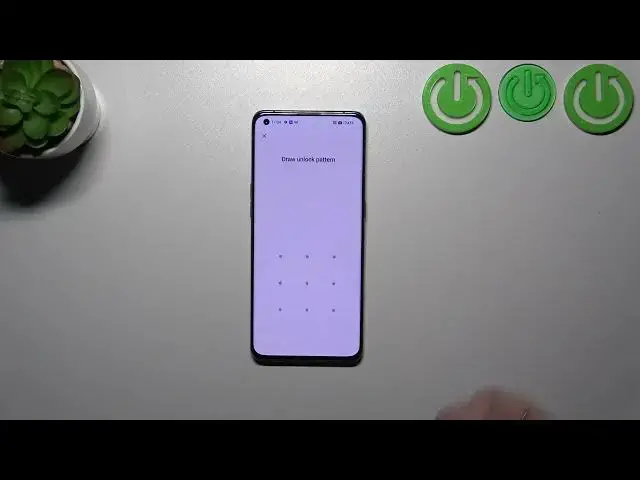

How to Reset Settings on OPPO Find X3 Pro - Reset Customized Settings
Mar 10, 2024

Read more info about OPPO Find X3 Pro:
https://www.hardreset.info/devices/oppo/oppo-find-x3-pro/
Join us in watching our video guide, where we'll instruct you on how to reset the system settings of your OPPO Find X3 Pro. If you're looking to revert your Oppo device to its original manufacturer configuration, stick around and follow our comprehensive, step-by-step instructions to successfully reset the customized settings on your OPPO Find X3 Pro. Utilize the instructions above to effortlessly restore your Oppo device's default settings in just a matter of seconds. For a wealth of useful tutorials tailored to your Oppo smartphone, don't forget to visit our HardReset.info YouTube channel.
How to reset settings on OPPO Find X3 Pro? How to restore factory settings in OPPO Find X3 Pro? How to reset customization in OPPO Find X3 Pro? How to reset Android configuration? How to restore default settings on OPPO Find X3 Pro? How to get back to the default state in OPPO Find X3 Pro?
#ResetSettings #ResetCustomization #OPPOFindX3
Follow us on Instagram ► https://www.instagram.com/hardreset.info
Like us on Facebook ► https://www.facebook.com/hardresetinfo/
Tweet us on Twitter ► https://twitter.com/HardResetI
Support us on TikTok ► https://www.tiktok.com/@hardreset.info
Use Reset Guides for many popular Apps ► https://www.hardreset.info/apps/apps/
Show More Show Less