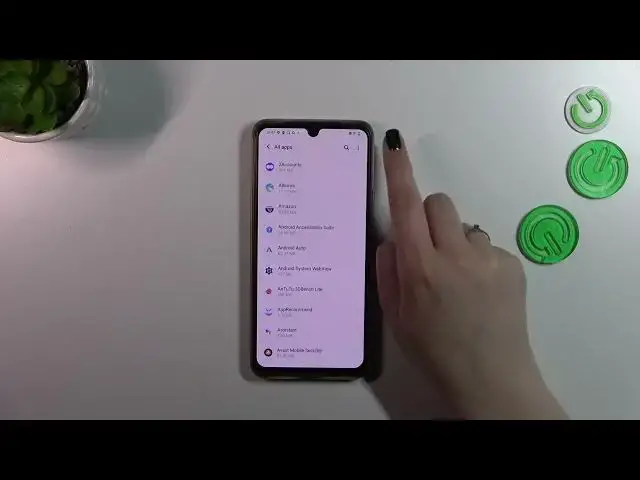

How to Reset App Preferences on VIVO T1 Pro / Manage App Settings
Mar 16, 2024

Check other tutorials for your Vivo T1 Pro Smartphone:
https://www.hardreset.info/devices/vivo/vivo-t1-pro-5g/tutorials/
Having trouble with app settings on your VIVO T1 Pro? Don't worry, we're here to help! In this comprehensive video tutorial, we'll walk you through the process of resetting app preferences using the App Settings menu on your device. By resetting app preferences, you can troubleshoot various app-related issues and regain full control over your apps. Following our instructions, you'll be able to smoothly manage your smartphone apps' customizations and ensure optimal performance. Watch our video and learn how to reset app preferences on your VIVO T1 Pro, empowering you to take charge of your app settings and enhance your overall smartphone experience. Say goodbye to app glitches and hello to seamless app management!
How to Reset App Preferences on VIVO T1 Pro?
How to restore default App Settings on VIVO T1 Pro?
How to restore manufacturer App Preferences on VIVO T1 Pro?
How to Delete App Preferences on VIVO T1 Pro?
#vivot1pro5g #vivo #resetapppreferences
Follow us on Instagram ► https://www.instagram.com/hardreset.info
Like us on Facebook ► https://www.facebook.com/hardresetinfo/
Tweet us on Twitter ► https://twitter.com/HardResetI
Support us on TikTok ► https://www.tiktok.com/@hardreset.info
Use Reset Guides for many popular Apps ► https://www.hardreset.info/apps/apps/
Show More Show Less