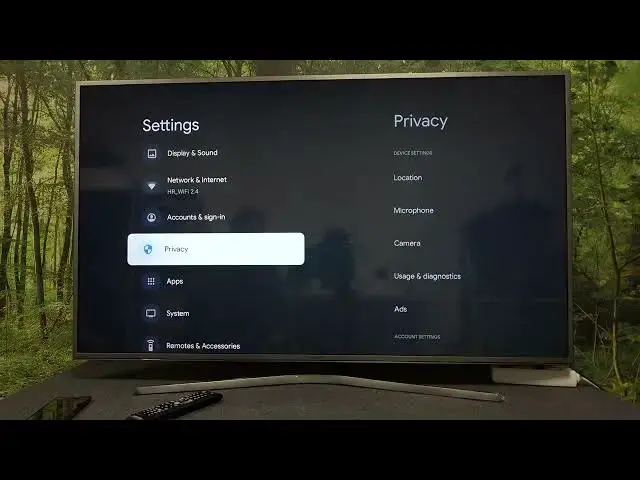

How To Reset Ad Settings on Google Chromecast 4.0 4K with Google TV - See Fever Ads on Chromecast
Mar 25, 2024

Find more about GOOGLE Chromecast 4K: https://www.hardreset.info/devices/google/google-chromecast-40-google-tv/
In this video, we'll show you how to reset your ad settings on your Chromecast 4K in just a few easy steps. First, open the Google TV app and select the Settings icon from the home screen. Next, choose the Privacy & terms option from the list of settings and select the "Ads" option. From here, you can reset your ad settings by pressing the "Reset ads settings" button at the bottom of the screen. This will erase all of your current ad preferences and allow you to start fresh. By resetting your ad settings, you can ensure that you're only seeing ads that are relevant and interesting to you. Watch the video to see the process in action.
How stop seeing personalized ads on Google Chromecast 4.0 4K with Google TV?
How adjust ad setting on Google Chromecast 4.0 4K with Google TV?
How to find the ads menu on Google Chromecast 4.0 4K with Google TV?
#chromecast #ads #googletv
Follow us on Instagram ► https://www.instagram.com/hardreset.info
Like us on Facebook ► https://www.facebook.com/hardresetinfo/
Tweet us on Twitter ► https://twitter.com/HardResetI
Support us on TikTok ► https://www.tiktok.com/@hardreset.info
Use Reset Guides for many popular Apps ► https://www.hardreset.info/apps/apps/
Show More Show Less