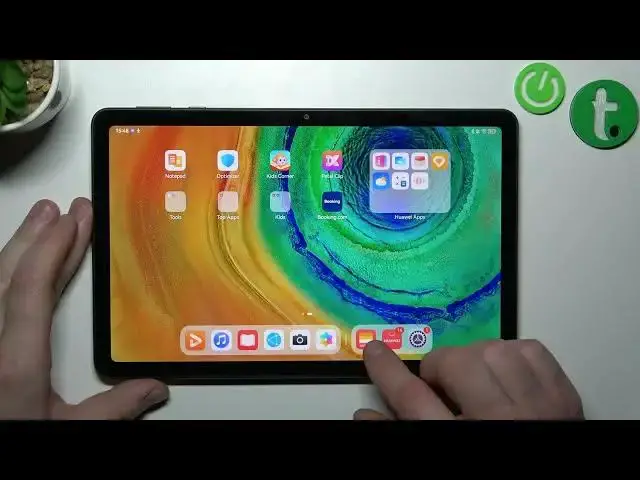

How to remove cards from huawei wallet on Huawei MatePad SE / Manage cards on Huawei MatePad SE
Jul 27, 2024

More info about your device you can find here: https://www.hardreset.info/devices/huawei/huawei-matepad-se-wi-filte/tutorials/
In this video tutorial, we'll show you how to remove cards from Huawei Wallet on your Huawei MatePad SE. Huawei Wallet is app that lets you store your credit cards, debit cards, loyalty cards, and more on your device. You can use Huawei Wallet to make payments online or offline, as well as manage your cards easily. However, if you want to delete a card from Huawei Wallet for any reason, such as changing your card details or canceling your account, we'll show you how to do it in just a few simple steps. Follow along and learn how to remove cards from Huawei Wallet on your Huawei MatePad SE and keep your wallet organized.
How to Delete Cards from Huawei Wallet on Huawei MatePad SE?
How to Remove Cards from Huawei Wallet on Huawei MatePad SE?
How to Manage Cards in Huawei Wallet on Huawei MatePad SE?
#huaweimatepadse #huaweiwallet #removecards
Follow us on Instagram ► https://www.instagram.com/hardreset.info
Like us on Facebook ► https://www.facebook.com/hardresetinfo/
Tweet us on Twitter ► https://twitter.com/HardResetI
Support us on TikTok ► https://www.tiktok.com/@hardreset.info
Use Reset Guides for many popular Apps ► https://www.hardreset.info/apps/apps/
Show More Show Less