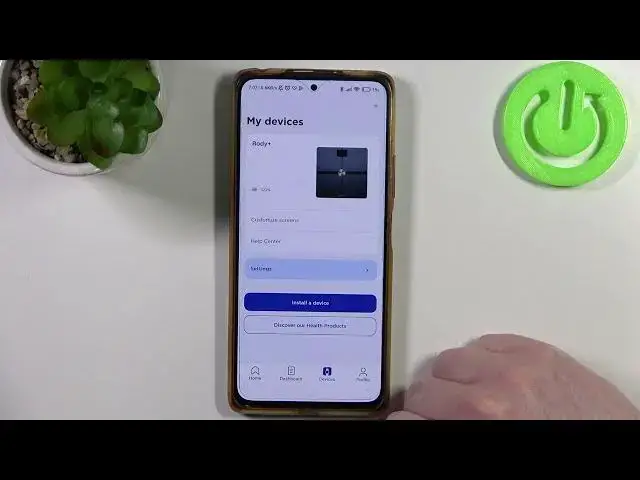

How to Personalize Your Nokia Body+ Withings Scale: Change the Device Name
Jul 30, 2024

More NOKIA Withings Body+ Tips&Tricks: https://www.hardreset.info/devices/nokia/nokia-withings-body-plus/
Welcome back to my channel where I share the latest tech tips and tricks to help you get the most out of your devices. Today, we're going to be talking about the Nokia Body+ Withings scale and how to change the device name. The Nokia Body+ Withings is a smart scale that can help you track your weight, body composition, and even your heart rate. By changing the device name, you can easily identify your scale when it's connected to the Google Fit app. So, let's get started.
#NokiaBodyPlus
#WithingsScale
#GoogleFitApp
How do you download the Google Fit app to connect the Nokia Body+ Withings scale?
What are the steps to connect your Nokia Body+ Withings scale to the Google Fit app?
How do you access the "Devices" option in the Google Fit app to change the device name?
How do you change the device name on the Nokia Body+ Withings scale using the Google Fit app?
Why is changing the device name important for keeping track of your Nokia Body+ Withings scale when it's connected to the Google Fit app?
Follow us on Instagram ► https://www.instagram.com/hardreset.info
Like us on Facebook ► https://www.facebook.com/hardresetinfo/
Tweet us on Twitter ► https://twitter.com/HardResetI
Support us on TikTok ► https://www.tiktok.com/@hardreset.info
Use Reset Guides for many popular Apps ► https://www.hardreset.info/apps/apps/
Show More Show Less