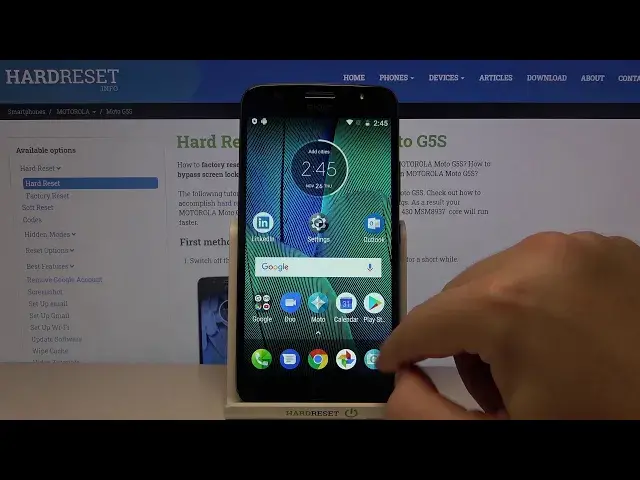

How to Operate Split Screen View Motorola Moto G5S Plus - Divide Screen
Apr 24, 2024

Check out more info about Motorola Moto G5S Plus: https://www.hardreset.info/devices/motorola/motorola-moto-g5s-plus/
Did you know that you can open two completely different apps, at the same time on Motorola Moto G5S Plus!? It’s possible because of a feature called Split Screen View, and in this video, our expert will show you how to use it properly. So, stay with us, pick two of your favorite applications, and enjoy multitasking on your Motorola. Let’s get started!
How to split screen in MOTOROLA MOTO G5S PLUS? How to create split screen in MOTOROLA MOTO G5S PLUS? How to use multitasking in MOTOROLA MOTO G5S PLUS? How to use dual screen in MOTOROLA MOTO G5S PLUS? How to open apps in split Screen View in MOTOROLA MOTO G5S PLUS? How to device screen in MOTOROLA MOTO G5S PLUS? How to open two apps on display of MOTOROLA MOTO G5S PLUS?
#MotorolaMotoG5SPlus #SplitScreenView #UseSplitScreen
Follow us on Instagram ► https://www.instagram.com/hardreset.info
Like us on Facebook ► https://www.facebook.com/hardresetinfo/
Tweet us on Twitter ► https://twitter.com/HardResetI
Support us on TikTok ►https://tiktok.com/@hardreset.info
Use Reset Guides for many popular Apps ► https://www.hardreset.info/apps/apps/
Show More Show Less