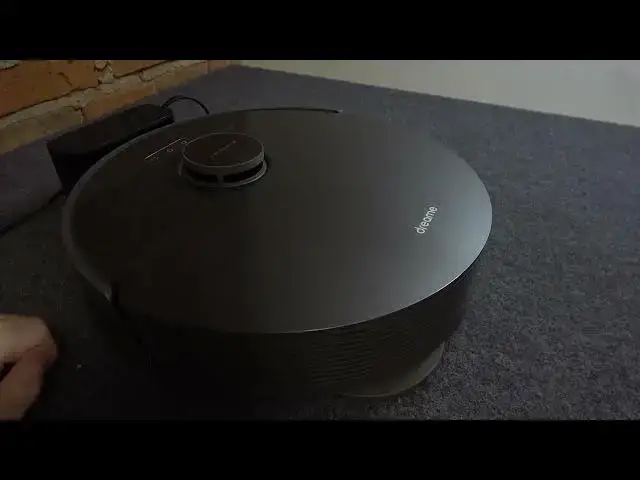

How To Manually Dock Dreame L10S PRO To Charging Station
Aug 9, 2024

Find out more: https://www.hardreset.info/
Learn how to manually dock your Dreame L10S PRO robot vacuum to its charging station for convenient recharging and storage. This tutorial provides step-by-step instructions for correctly aligning and positioning the robot vacuum with the charging dock to ensure a successful charging connection.
How do I manually dock my Dreame L10S PRO robot vacuum to the charging station?
Where is the charging station located, and how should I prepare it for docking?
What are the key steps for positioning and aligning the robot vacuum with the charging dock?
How do I know if the robot vacuum is correctly docked and charging?
Are there any troubleshooting tips if the robot vacuum fails to dock successfully?
Can I manually dock the robot vacuum if it's running low on battery?
Is it necessary to dock the robot vacuum to the charging station after every cleaning session?
How do I ensure a long-lasting battery life for my Dreame L10S PRO robot vacuum?
#Dreamel10spro #robovac #robotcleaner
Follow us on Instagram ► https://www.instagram.com/hardreset.info
Like us on Facebook ► https://www.facebook.com/hardresetinfo/
Tweet us on Twitter ► https://twitter.com/HardResetI
Support us on TikTok ► https://www.tiktok.com/@hardreset.info
Use Reset Guides for many popular Apps ► https://www.hardreset.info/apps/apps/
Show More Show Less