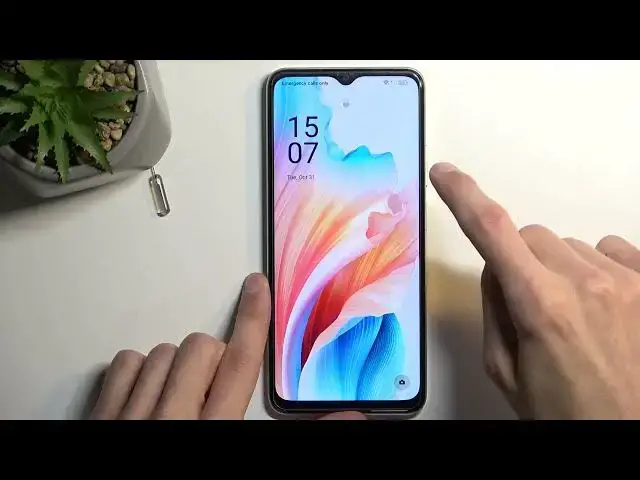

How to Insert SIM Card on OPPO A2x?
Aug 5, 2024

Find out more info about OPPO A2x: https://www.hardreset.info/search/?q=OPPO+A2x+&device_type=
This tutorial will guide you through the process of inserting a SIM card into your OPPO A2x smartphone, ensuring that you can make calls, send messages, and use mobile data. Inserting a SIM card is one of the first steps to get your device up and running, and we'll provide you with easy-to-follow instructions, tips, and precautions to make the process hassle-free. Whether you're a first-time smartphone user or just getting familiar with your OPPO A2x, this tutorial is designed to help you get connected in no time.
Why is it important to insert a SIM card into my OPPO A2x? What types of SIM cards are compatible with the OPPO A2x? Are there any precautions I should take before inserting a SIM card? Where can I locate the SIM card slot on my OPPO A2x? What tools or accessories do I need to insert a SIM card? #InsertSIM #SIMCard #OPPOA2x
Follow us on Instagram ► https://www.instagram.com/hardreset.info
Like us on Facebook ► https://www.facebook.com/hardresetinfo/
Tweet us on Twitter ► https://twitter.com/HardResetI
Support us on TikTok ► https://www.tiktok.com/@hardreset.info
Use Reset Guides for many popular Apps ► https://www.hardreset.info/apps/apps/
Show More Show Less