0:00
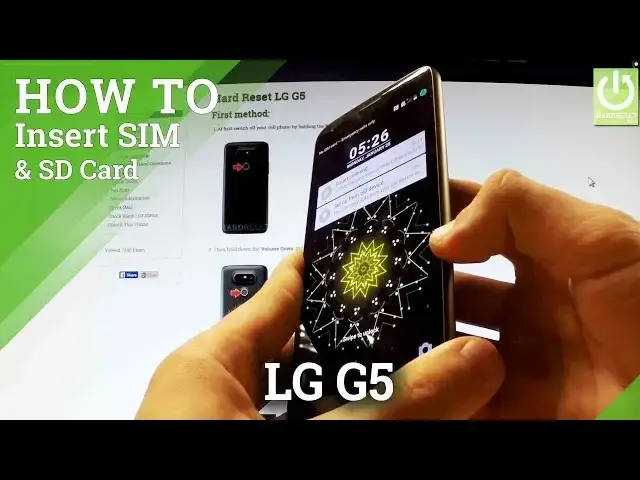
Here I have LG G5 and let me show you how to insert SIM and microSD card in this device
0:11
First of all hold down the power key for a few seconds
0:17
From the following menu let's choose power off and confirm the whole operation by tapping
0:21
power off again. Wait until your device is completely switched off and then you have to find the slot to
0:27
your card at the right edge of your phone and simply use some tiny tool, it could be
0:33
a thumber tag or special eject tool to open the protection. Let's push your tool into this little hole
0:43
Now you can remove the whole slot from your phone. And let's insert here microSD card
0:53
Here I have one of the following cards. Put it here in that way, make sure it suits to your device
1:01
Now you can insert nanoSIM card. You have to put it in that way if the characteristic is right here. Excellent
1:17
Make sure that both cards suits to your phone. And then you can insert the whole thing into your device
1:24
Let me show you. You have to put it right there and push it to the end. Excellent
1:35
Let's switch on your device to check that both cards are working properly
1:41
The LG is turning on. Excellent. As you can see the SD card has just been installed properly
1:54
The phone is reading our SD card and also the phone is connected to one of the mobile network
2:04
Our SIM card is working properly. Thank you for watching. Please subscribe our channel and leave thumbs up under the video
2:16
We will see you in tomorrow's video. Bye bye.