0:00
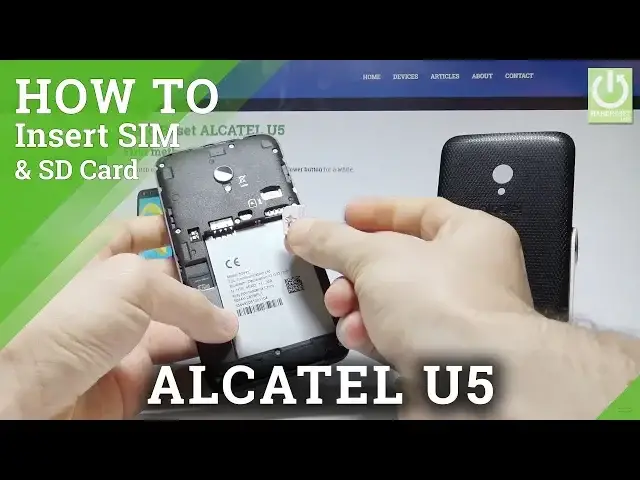
Here I have Alcatel U5 and let me show you how to insert here the micro SIM and the micro
0:11
SD card. So at the very beginning let's start by pressing the power key, let me choose power off
0:18
Let's wait until your device will be completely switched off. Afterwards you need to remove your back cover
0:24
Let's do it by using the cover at the down right edge of the screen right here
0:29
So let's remove the back cover step by step by using your middle finger
0:34
And now here you can insert the memory card, so let me start with that one
0:39
So here I have my card with the characteristic edge right here, let's put this card in that
0:43
position and let me press it to the end. Alright, now let's remove the battery and now you can insert here the micro SIM card
0:54
So here I have such a card with the characteristic edge right here, let's put this card in that
0:58
position right here. Let me just show you. Let's press it to the end, alright
1:08
Let's put back the battery, close the back cover protection and now you can simply switch
1:16
on the Alcatel and make sure that both cards works properly on your device
1:21
As you can see the smartphone is switching on, so let's wait a few seconds
1:37
Alright let's unlock the screen. Here you have to tap apps icon, then let's find and select the settings
1:47
So here I have settings, scroll down and let's choose storage. It's under device tab I think, let's choose storage and USB
1:58
As you can see your device is reading your SD card. You may also observe right here that the device has the network connection, the network signal
2:09
strength, so it means that your micro SIM card is also working properly, both cards
2:15
are inserted perfectly. Thank you for watching, please subscribe our channel and leave thumbs up under the video