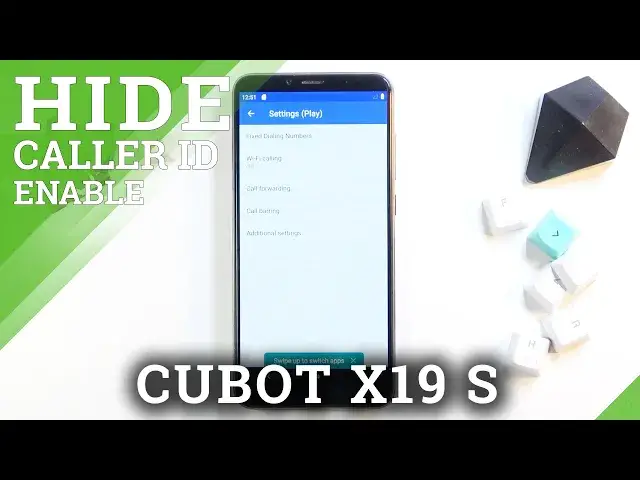

How to Hide Caller ID in CUBOT X19 S – Manage Call Settings
Jul 7, 2024

Learn more about CUBOT X19 S
https://www.hardreset.info/devices/cubot/cubot-x19-s/
Are you wondering how to show and hide caller ID in CUBOT X19 S? Are you looking for a way to manage connection settings in CUBOT X19 S? See the attached instructions for instructions on how to show or even hide the caller ID on CUBOT X19 S. If you are looking for a way to make your number private, you should definitely watch the preloaded video guide and access the call settings where you can effectively hide and show your phone number. Follow our tutorial and enter your CUBOT connection settings to easily customize them. Visit our HardReset.info YT channel and discover lots of useful tutorials about the CUBOT X19 S.
How to hide caller ID in CUBOT X19 S? How to show caller ID in CUBOT X19 S? How to hide phone number in CUBOT X19 S? How to show caller ID in CUBOT X19 S? How to make phone number private in CUBOT X19 S? How to use the private phone number in CUBOT X19 S? How to enter calling settings in CUBOT X19 S? How to manage call settings in CUBOT X19 S?
#HideCallerID #HidePhoneNumber #CUBOTX19S
Follow us on Instagram ► https://www.instagram.com/hardreset.info
Like us on Facebook ► https://www.facebook.com/hardresetinfo/
Tweet us on Twitter ► https://twitter.com/HardResetI
Support us on TikTok ► https://www.tiktok.com/@hardreset.info
Use Reset Guides for many popular Apps ► https://www.hardreset.info/apps/apps/
Show More Show Less