0:00
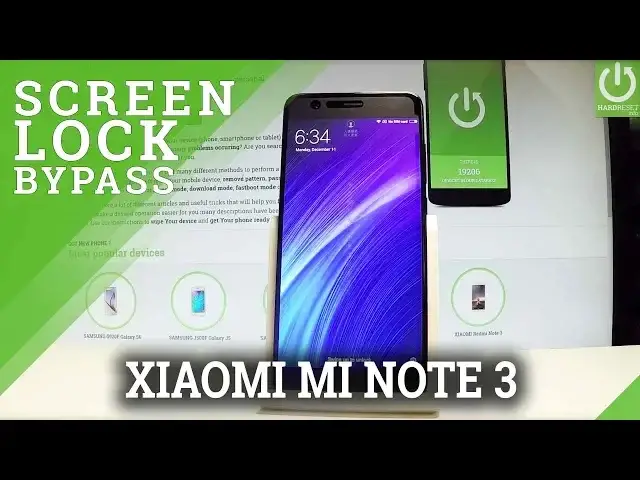
Here I have Xiaomi Note 3 and let me show you how to accomplish the hard reset operation
0:10
on this device and let me show you how to bypass and remove button or a password protection
0:15
on this smartphone. So at the very beginning let's start by holding a power key, let's choose power off and tap
0:22
power off again just to confirm the whole operation. Wait until your device will be completely switched off and use the following combination
0:29
of keys, the power key and volume up, so let's hold down together these two keys for a couple
0:34
of seconds, keep holding both keys, release them as soon as Mi logo pops up on the screen
0:47
and the Mi recovery mode just pops up in front of you
0:51
Here you can navigate by using both volume keys, let's scroll down to wipe data and press
0:55
power key to select it, then select wipe all data by choosing the power key and scroll
1:03
down to confirm it and confirm the operation by tapping power key again
1:08
Right now the device is erasing all personal stuff, customized settings and installed apps
1:13
as you can see data wiped is completed so now you can press power key back to main menu
1:19
and simply choose power key again to reboot your device. And reboot to system and the Xiaomi is restarting and booting into a normal mode into the welcome
1:28
panel so let's wait until the whole operation will be completed to not interrupt while the
1:33
process is running. Excellent, as you can see the welcome panel of Xiaomi just pops up and as you may also
2:07
notice there is no button or a password protection so you can start easily activate your device
2:12
Thank you for watching, please subscribe our channel and leave a thumbs up under the video