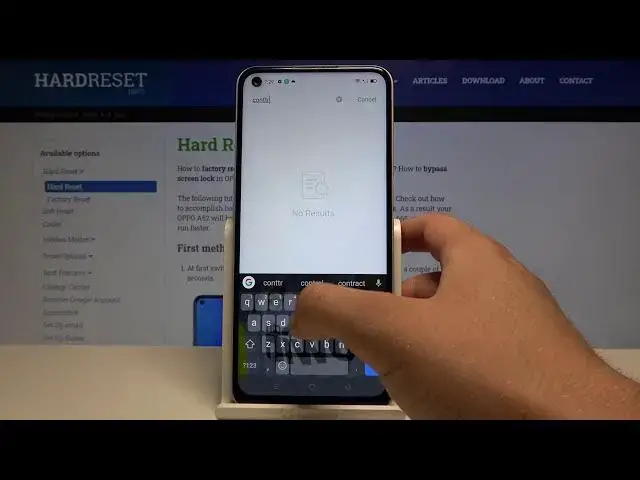

How to Enable/Disable High Contrast Text in Oppo A52 – Accessibility Settings
Apr 23, 2024

Check out more about Oppo A52: https://www.hardreset.info/devices/oppo/oppo-a52/
If you wish to make the font on your Oppo A54 more visible, then check out the tutorial above! Today, our expert will show you how to, step by step, find Accessibility Settings and Enable Visibility Feature called High Contrast Text. After turning it on, letters in your device will stand up more, which will make them much easier to read comfortably. All you need to do is, stay with us and find out if it’s helpful for you. Let’s get started!
How to Set Up High Contrast Text in OPPO A52? How to Change Contrast in OPPO A52? How to Adjust Fonts Outline in OPPO A52? How to Adjust Contrast in OPPO A52? How to Turn On High Contrast Text in OPPO A52?
#OppoA52 #HighContrastText #AccessibilitySettings
Follow us on Instagram ► https://www.instagram.com/hardreset.info
Like us on Facebook ► https://www.facebook.com/hardresetinfo/
Tweet us on Twitter ► https://twitter.com/HardResetI
Support us on TikTok ►https://tiktok.com/@hardreset.info
Use Reset Guides for many popular Apps ► https://www.hardreset.info/apps/apps/
Show More Show Less