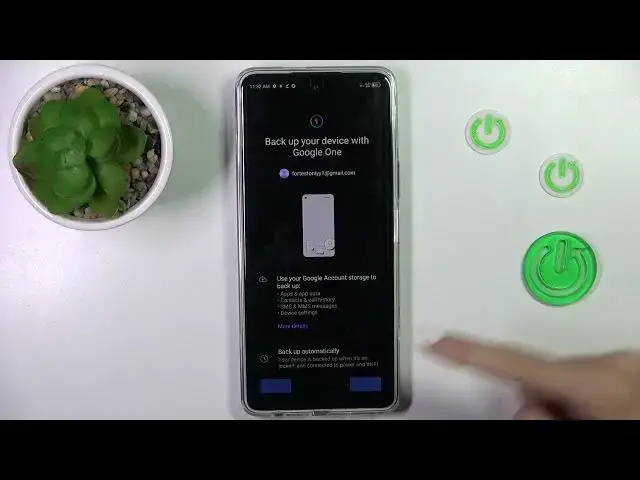

How to Enable Google Backup on TECNO Pova 5 Pro?
Aug 5, 2024

Find out more info about TECNO Pova 5 Pro: https://www.hardreset.info/devices/tecno/tecno-pova-5-pro/tutorials/
This tutorial will guide you through the process of enabling Google Backup on your TECNO Pova 5 Pro smartphone. Google Backup is a crucial feature that helps protect your essential data, including contacts, photos, and app data, by securely storing it in the cloud. In this step-by-step guide, we will show you how to set up and enable Google Backup, ensuring your data remains safe and easily recoverable in case of device loss or data loss.
What is Google Backup, and why should I enable it on my TECNO Pova 5 Pro? Where can I find the option to enable Google Backup on the device?
Do I need a Google account to use Google Backup, and how do I set one up if I don't have one? What types of data are backed up to Google's cloud services? Are there any limitations or restrictions on the amount of data I can back up? #EnableGoogleBackup #GoogleBackup #tecnopova5pro
Follow us on Instagram ► https://www.instagram.com/hardreset.info
Like us on Facebook ► https://www.facebook.com/hardresetinfo/
Tweet us on Twitter ► https://twitter.com/HardResetI
Support us on TikTok ► https://www.tiktok.com/@hardreset.info
Use Reset Guides for many popular Apps ► https://www.hardreset.info/apps/apps/
Show More Show Less