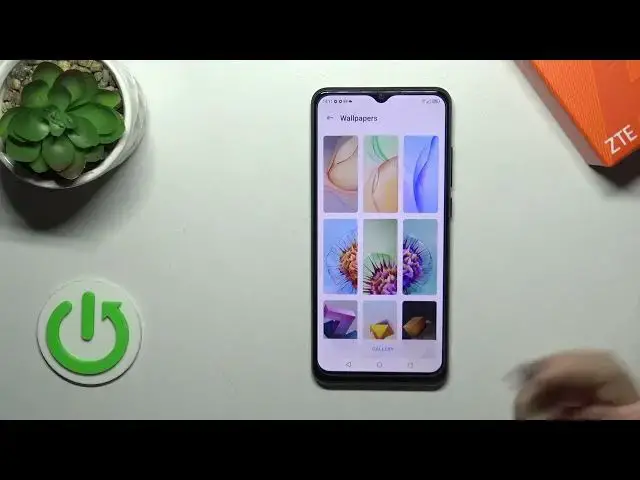

How to Customize the Lock Screen Wallpapers on ZTE Blade A53 Pro
Mar 17, 2024

Learn more about the ZTE Blade A53 Pro: https://www.hardreset.info/devices/zte/zte-blade-a53-pro/tutorials/
Looking to personalize the lock screen of your ZTE Blade A53 Pro with a new wallpaper? You're in the right place! In this video tutorial, we'll walk you through the steps to change the lock screen wallpaper on your ZTE Blade A53 Pro. Whether you want to use a stunning photo, a favorite image, or a custom design, we'll show you how to access the settings, browse through your gallery or wallpaper options, and set up a new lock screen wallpaper that reflects your style and preferences. Additionally, we'll provide some helpful tips to ensure the best image quality and compatibility with the lock screen layout. Join us in this tutorial and give your ZTE Blade A53 Pro a fresh and personalized look. Don't forget to subscribe to our channel for more ZTE Blade A53 Pro tips and tricks!
How to set a new cover image for the lock screen on ZTE Blade A53 Pro? How to change the lock screen wallpapers on ZTE Blade A53 Pro? How to modify the lock screen wallpaper on ZTE Blade A53 Pro?
#ZTEBladeA53Pro #Wallpaper #ZTEDisplay
Follow us on Instagram ► https://www.instagram.com/hardreset.info
Like us on Facebook ►
https://www.facebook.com/hardresetinfo/
Tweet us on Twitter ► https://twitter.com/HardResetI
Support us on TikTok ► https://www.tiktok.com/@hardreset.info
Use Reset Guides for many popular Apps ► https://www.hardreset.info/apps/apps/
Show More Show Less #Online Goodies
#Skins, Themes & Wallpapers