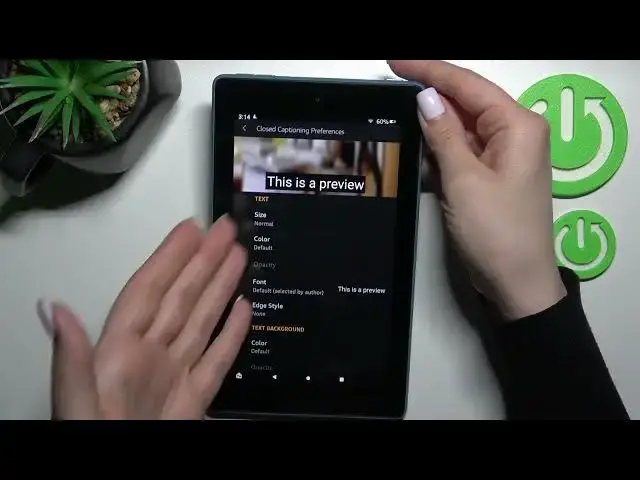

How to Customize Quick Launch on AMAZON Fire 7 - Triple Tap Power Key
Jul 1, 2024

Find out more info about AMAZON Fire 7: https://www.hardreset.info/devices/amazon/amazon-fire-7/
Hi! If you want to take the comfort of using your AMAZON Fire 7 tablet to the next level, don't miss this tutorial. Today we want to show you how to enable the quick launch options so that with the triple button of the side keys you can run the most needed functions. Learn how to use the quick launch options to toggle options such as VoiceView, screen magnifier, change font size, set high contrast text, enable colour inversion, close captioning and much more. If you want to know more about your AMAZON Fire 7, visit our YouTube channel.
How to customize quick launch on AMAZON Fire 7? How to set up quick launch on AMAZON Fire 7? How to adjust quick launch on AMAZON Fire 7? How to manage accessibility shortcuts settings on AMAZON Fire 7? How to set up triple-tap quick launch on AMAZON Fire 7?
#QucikLaunch #TripleTouch #AMAZONFire7
Follow us on Instagram ► https://www.instagram.com/hardreset.info
Like us on Facebook ► https://www.facebook.com/hardresetinfo/
Tweet us on Twitter ► https://twitter.com/HardResetI
Support us on TikTok ► https://www.tiktok.com/@hardreset.info
Use Reset Guides for many popular Apps ► https://www.hardreset.info/apps/apps/
Show More Show Less