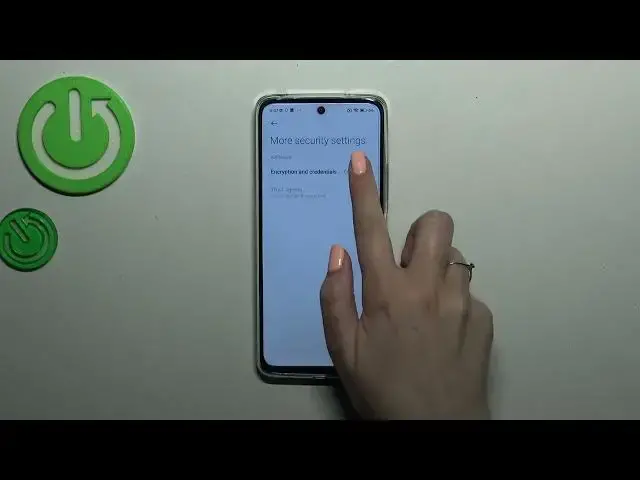

How to Clear Credentials on a REDMI 12
Mar 11, 2024

We invite you to visit our website and learn more about REDMI 12: https://www.hardreset.info/devices/redmi/redmi-12/tutorials/
Is your Redmi 12 experiencing issues with stored credentials or outdated login information? Don't worry, we've got you covered! In this video tutorial, we'll show you how to delete cached credentials on your Redmi 12, helping you resolve authentication and login problems. We'll guide you step-by-step through the settings menu, where you'll find the option to clear cached credentials. By doing so, you'll refresh your device's authentication data and ensure a smoother and more secure user experience. Join us as we optimize your Redmi 12 and keep your credentials up to date. Make sure to subscribe to our channel for more helpful Redmi 12 tips and tricks!
How to remove saved credentials on a REDMI 12? How to delete cached credentials on a REDMI 12? How to offload the credentials cache on a REDMI 12?
#REDMI12 #Credentials #XIAOMISecurity
Follow us on Instagram ► https://www.instagram.com/hardreset.info
Like us on Facebook ►
https://www.facebook.com/hardresetinfo/
Tweet us on Twitter ► https://twitter.com/HardResetI
Support us on TikTok ► https://www.tiktok.com/@hardreset.info
Use Reset Guides for many popular Apps ► https://www.hardreset.info/apps/apps/
Show More Show Less #Other