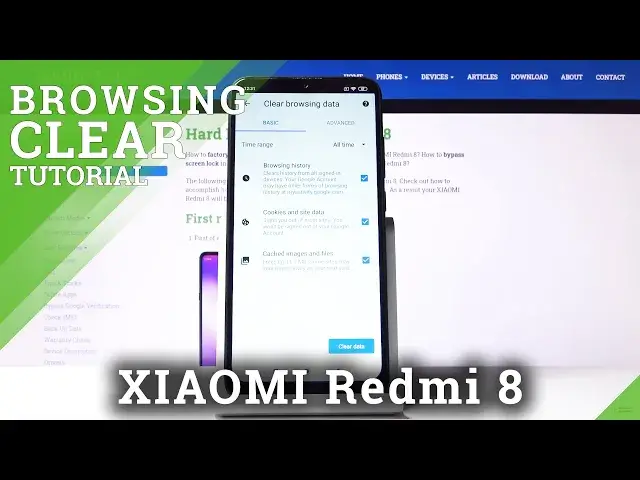

How to Clear Browsing Data in XIAOMI Redmi 8 – Erase Browser Storage
Jul 19, 2024

Find more info about XIAOMI Redmi 8:
https://www.hardreset.info/devices/xiaomi/xiaomi-redmi-8/
We are coming to present the video guide, where we show you how to erase browser storage in XIAOMI Redmi 8. If you wish to learn how to get access to the browser settings to delete history and cookies, find out attached instructions and erase the whole Xiaomi browser storage. Let’s use the presented tutorial and find out how to smoothly clear browsing data in XIAOMI Redmi 8.
How to delete history browser in XIAOMI Redmi 8? How to clear history in XIAOMI Redmi 8 browser? How to delete cookies files in XIAOMI Redmi 8? How to clear cache in XIAOMI Redmi 8? How to delete page history in XIAOMI Redmi 8?
Follow us on Instagram ► https://www.instagram.com/hardreset.info
Like us on Facebook ► https://www.facebook.com/hardresetinfo/
Tweet us on Twitter ► https://twitter.com/HardResetI
Show More Show Less