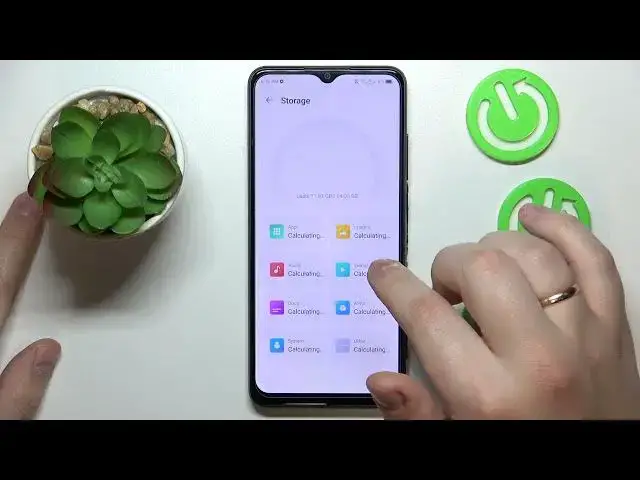

How to Check the Amount of Available Internal Storage on ZTE Blade A53 Pro
Mar 17, 2024

Learn more about the ZTE Blade A53 Pro: https://www.hardreset.info/devices/zte/zte-blade-a53-pro/tutorials/
In this video tutorial, we'll guide you through the steps to easily check the amount of available storage on your ZTE Blade A53 Pro. Knowing the available storage is crucial for managing your device's content, including apps, photos, videos, and more. We'll show you how to access the settings menu, navigate to the "Storage" or "Memory" section, and locate the information about available storage. By following our instructions, you'll be able to quickly see how much storage is currently available on your ZTE Blade A53 Pro and take necessary actions to free up space if needed. Stay tuned for more ZTE Blade A53 Pro tips and tricks on our channel. Let's get started and check your available storage today!
How to check the amount of phone memory on ZTE Blade A53 Pro? How to see how much storage I have left on ZTE Blade A53 Pro? How to see the ROM specifications on ZTE Blade A53 Pro?
#ZTEBladeA53Pro #InternalStorage #ZTEStorage
Follow us on Instagram ► https://www.instagram.com/hardreset.info
Like us on Facebook ►
https://www.facebook.com/hardresetinfo/
Tweet us on Twitter ► https://twitter.com/HardResetI
Support us on TikTok ► https://www.tiktok.com/@hardreset.info
Use Reset Guides for many popular Apps ► https://www.hardreset.info/apps/apps/
Show More Show Less