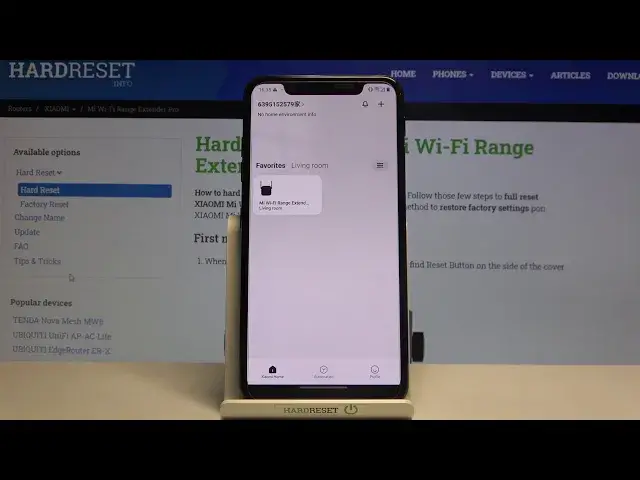

How to Check Currently Connected Devices on the XIAOMI Mi Wi-Fi Range Extender Pro
Jul 15, 2024

Find out more: https://www.hardreset.info/devices/xiaomi/xiaomi-mi-wi-fi-range-extender-pro/ Thanks to our video guide you, you will know how to check devices currently connected to the Wi-Fi network using XIAOMI Mi Wi-Fi Range Extender Pro. Use your smartphone and Mi Home app to check if anybody unwanted doesn’t use your Wi-Fi without your permission. Whole checking connected devices process shown in this video is shown in an easy and accessible way so even the most beginner user can do it.
How to check currently connected devices on XIAOMI Mi Wi-Fi Range Extender Pro? How to control who is using your Wi-Fi network using XIAOMI Mi Wi-Fi Range Extender Pro? How to find all devices connected to the internet with XIAOMI Mi Wi-Fi Range Extender Pro? How to check connected devices using XIAOMI Mi Wi-Fi Range Extender Pro? How check if no one hacked your XIAOMI Mi Wi-Fi Range Extender Pro?
Follow us on Instagram ► https://www.instagram.com/hardreset.info/
Like us on Facebook ► https://www.facebook.com/hardresetinfo/
Tweet us on Twitter ► https://twitter.com/HardresetI/
Show More Show Less