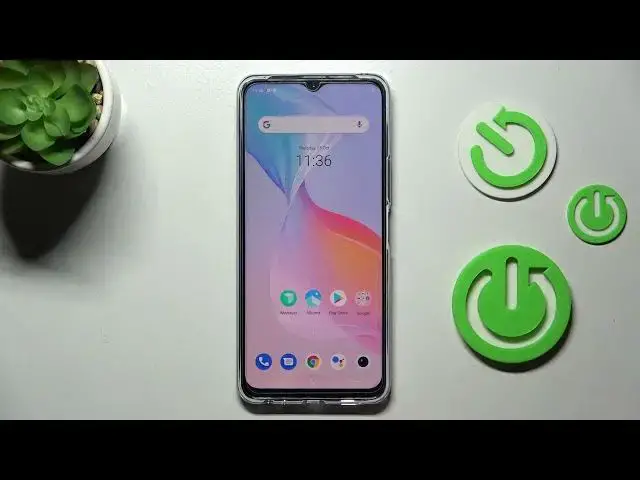

How to Change Screen Timeout on Vivo Y76 5G – Manage Display
Apr 5, 2024

Check more info about Vivo Y76 5G:
https://www.hardreset.info/devices/vivo/vivo-y76-5g/
Hi there! If your phone is constantly turning off 10-30 seconds after the last touch of the screen and it annoys you, then you can change the display settings. In this video tutorial, our Expert will show you how to enter your phone's display settings and change your Vivo Y76 5G screen time to longer or shorter. So, open our video tutorial and follow our Expert to extend or reduce screen time of your Vivo Y76 5G successfully. For more information visit our HardReset.info YT channel and discover many useful tutorials for Vivo Y76 5G.
How to Switch Screen Timeout on Vivo Y76 5G?
How to Change Timeout Display Time on Vivo Y76 5G?
How to Adjust Time Out Screen Time on Vivo Y76 5G?
#ManageDisplay #ChangeScreenTimeout #VivoY765G
Follow us on Instagram ► https://www.instagram.com/hardreset.info
Like us on Facebook ► https://www.facebook.com/hardresetinfo/
Tweet us on Twitter ► https://twitter.com/HardResetI
Support us on TikTok ► https://www.tiktok.com/@hardreset.info
Use Reset Guides for many popular Apps ► https://www.hardreset.info/apps/apps/
Show More Show Less