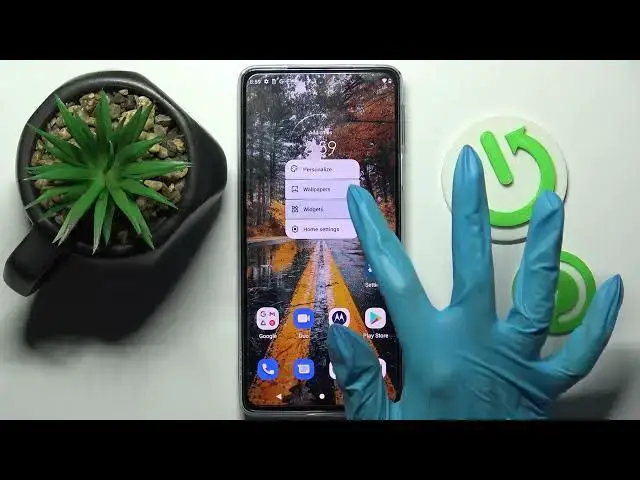

How to Change Icon Size in MOTOROLA Edge 30 Pro – Resize Icons
Apr 3, 2024

Learn more info about MOTOROLA Edge 30 Pro:
https://www.hardreset.info/devices/motorola/motorola-edge-30-pro/tutorials
Would you like to make the icons in your MOTOROLA Edge 30 Pro smaller or bigger? In this video we would like to show you how easily you can find proper section, where customizing the icon size is available. You can try different options, from the smallest one to largest and decide which one you like the most. So let’s follow all shown steps and successfully change icon size.
How to change icon size in MOTOROLA Edge 30 Pro? How to find icon themes in MOTOROLA Edge 30 Pro? How to select icon look in MOTOROLA Edge 30 Pro? How to select icon size in MOTOROLA Edge 30 Pro? How to change icons in MOTOROLA Edge 30 Pro? How to select icons in MOTOROLA Edge 30 Pro? How to customize icons in MOTOROLA Edge 30 Pro? How to personalize icons in MOTOROLA Edge 30 Pro?
#IconSize #CustomizeIcon #MOTOROLAEdge30Pro
Follow us on Instagram ► https://www.instagram.com/hardreset.info
Like us on Facebook ► https://www.facebook.com/hardresetinfo/
Tweet us on Twitter ► https://twitter.com/HardResetI
Support us on TikTok ► https://www.tiktok.com/@hardreset.info
Use Reset Guides for many popular Apps ► https://www.hardreset.info/apps/apps/
Show More Show Less