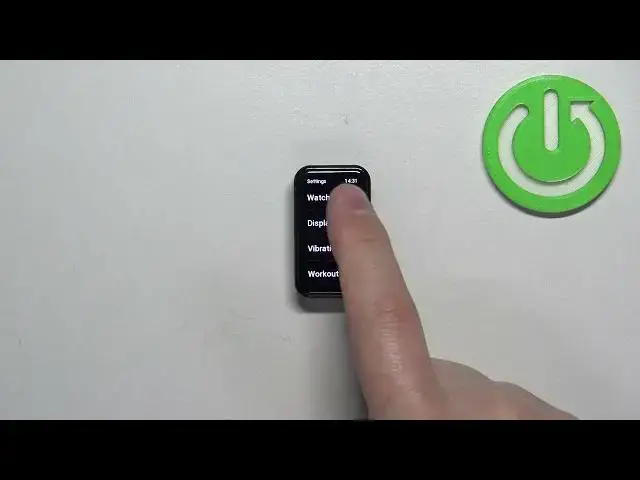

How to Change Date and Time Format on AMAZFIT Band 7
Mar 16, 2024

Find out more info about AMAZFIT Band 7 at:
https://www.hardreset.info/devices/xiaomi/xiaomi-amazfit-band-7/
Welcome. Stay here if you want to know how to change date and time format on your AMAZFIT Band 7. We will guide you through the process of changing the date and time format on your AMAZFIT Band 7. By personalizing the format, you can choose to have the date displayed in different styles, such as MM/DD/YYYY or DD/MM/YYYY, and change the current time format to set time in either 12-hour or 24-hour format.
How to change the date and time format on AMAZFIT Band 7? How to set up a date and time on AMAZFIT Band 7? How to manage date and time on AMAZFIT Band 7?
#ChangeDateAndTime #DateAndTimeFormat #AMAZFITBand7
Follow us on Instagram ► https://www.instagram.com/hardreset.info
Like us on Facebook ► https://www.facebook.com/hardresetinfo/
Tweet us on Twitter ► https://twitter.com/HardResetI
Support us on TikTok ► https://www.tiktok.com/@hardreset.info
Use Reset Guides for many popular Apps ► https://www.hardreset.info/apps/apps/
Show More Show Less