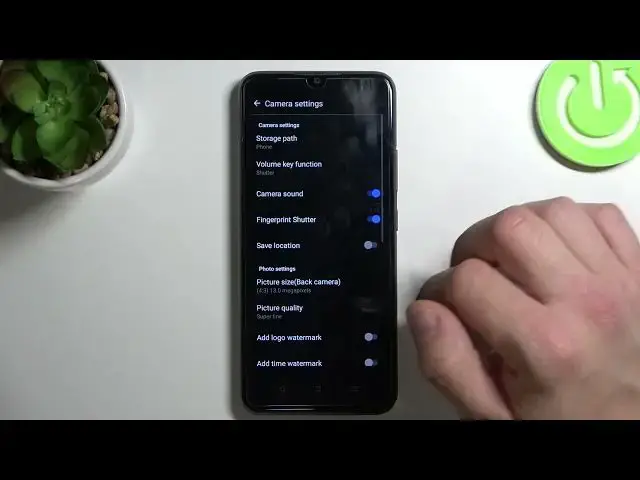

How to Change Camera Storage Location in Realme C21Y
Jul 23, 2024

Find out more info about Realme C21Y: https://www.hardreset.info/pl/devices/motorola/motorola-edge-30-fusion/tutorials/
If you want to Change Camera Storage Location on Realme C21Y and Switch between Realme’s Memory or SD Card, then look up! In today’s tutorial, we’ll show you how to access Camera Settings, pick one of the storage locations, then look up, follow all shown instructions and let’s get started!
How to Change Camera Storage Location on Realme C21Y? How to Use SD Card as Default Photo Storage on Realme C21Y? How to Choose another Location of Photos Storage on Realme C21Y? How to Save Photos on the SD Card on Realme C21Y?
#RealmeC21Y #ChangeCameraStorageLocation #AccessCameraStorageSettings
Follow us on Instagram ► https://www.instagram.com/hardreset.info
Like us on Facebook ► https://www.facebook.com/hardresetinfo/
Tweet us on Twitter ► https://twitter.com/HardResetI
Support us on TikTok ►https://tiktok.com/@hardreset.info
Use Reset Guides for many popular Apps ► https://www.hardreset.info/apps/apps/
Show More Show Less