0:00
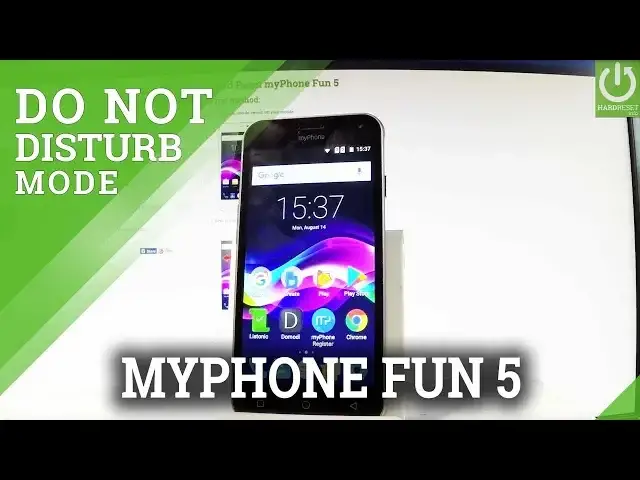
Here I have myphone fan 5 and let me show you how to enable Do Not Disturb mode and
0:10
how to use this mode. If you would like to switch this mode very quickly let's use an upper bar twice and here
0:15
you should find Do Not Disturb, let's tap it. And as you can see here you have to choose your mode, you can choose Total Silence, Disblock
0:24
All Sounds, Alarms Only or Priority Only. In my case let me choose Alarm Only and you can choose that Do Not Disturb mode will be
0:36
switched on for an hour for example or until you turn it off
0:40
Let me choose until you turn it off, let's tap Done. As you can see right now Do Not Disturb mode turns into Alarms Only
0:48
If you would like to change some settings about Do Not Disturb mode let's tap Apps icon
0:53
let's find and select the settings, scroll down and choose Prompt & Notifications
1:01
And as you can see here you should choose Do Not Disturb and you can select Priority
1:06
Only Allows and you can for example enable reminders, disable events, handle messages
1:12
for example only from contacts, you can do the same thing with calls, you can also handle
1:18
the repeat callers and you may go back and choose also the automatic rules and you can
1:25
turn on Do Not Disturb mode every weekend, every weeknight and you can add some other
1:30
customized rules. So let's go back, if you would like to quit the Do Not Disturb mode, this is the icon
1:36
of this mode, let's just use an upper bar twice and let's choose Alarms Only and now
1:42
as you can see Do Not Disturb mode is deactivated. So thank you for watching, please subscribe our channel and leave thumbs up under the video