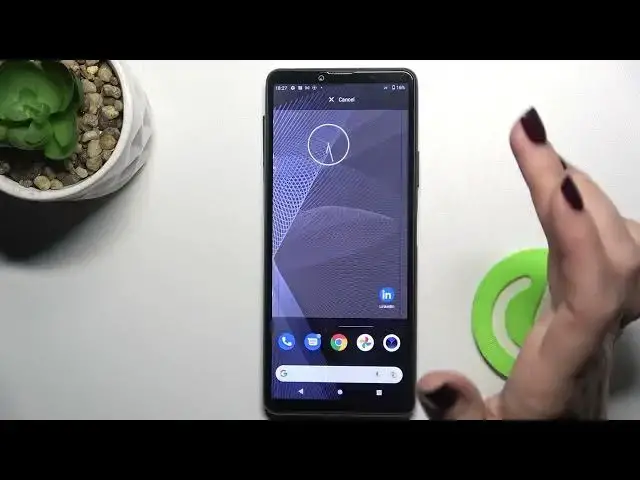

How to Add & Remove Home Screen Widgets on SONY Xperia 10 III – Customize Display
Apr 7, 2024

Check more info about SONY Xperia 10 III:
https://www.hardreset.info/devices/sony/sony-xperia-10-iii/tutorials/
Hi Everyone! Widgets are tiny application icons that are embedded in other applications and are located on the main screen of your SONY Xperia 10 III device. You can add, remove, change the positions of the widgets and resize them on your SONY Xperia 10 III display. So, if you want to learn how to customize your SONY Xperia 10 III screen using widgets, then we will help you. To do this, just open and watch our video, and you will understand that it is very easy to do it. For more information visit our HardReset.info YT channel and discover many useful tutorials for SONY Xperia 10 III.
How to Customize Display with Widgets on SONY Xperia 10 III?
How to Change Widgets on SONY Xperia 10 III?
How to Manage Widgets Settings on SONY Xperia 10 III?
#AddWidget #ChangeDisplaySettings #CustomizeDisplay
Follow us on Instagram ► https://www.instagram.com/hardreset.info
Like us on Facebook ► https://www.facebook.com/hardresetinfo/
Tweet us on Twitter ► https://twitter.com/HardResetI
Support us on TikTok ► https://www.tiktok.com/@hardreset.info
Use Reset Guides for many popular Apps ► https://www.hardreset.info/apps/apps/
Show More Show Less