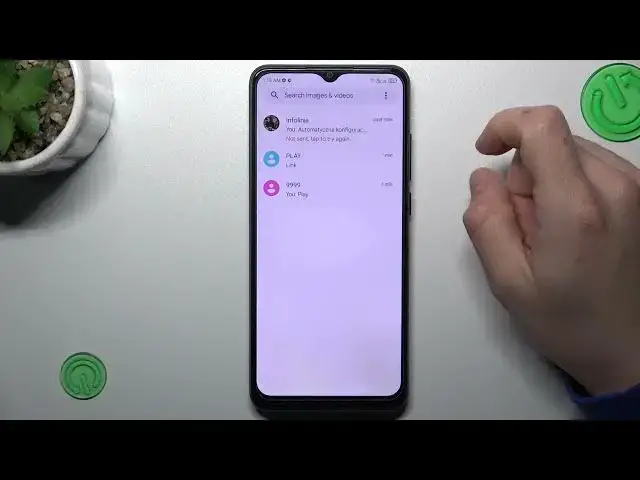

How to Activate SMS Delivery Report in ZTE Blade A53 Pro - Find SMS Delivery Report Option
Mar 17, 2024

Find out more about ZTE Blade A53 Pro:
https://www.hardreset.info/devices/zte/zte-blade-a53-pro/tutorials/
In today’s instruction video we would like to show you how to activate the awesome function that ZTE Blade A53 Pro smartphone has to offer, which allows you to read the report after delivering the message. Check out how to find the SMS delivery report function and enable it anytime you want to use it on your ZTE Blade A53 Pro smartphone without any troubles.
How to Enable Messages Delivery Reports in ZTE Blade A53 Pro? How to Disable SMS Delivery Notifications in ZTE Blade A53 Pro? How to Disable Messages Delivery Reports in ZTE Blade A53 Pro? How to Enable SMS Delivery Notifications in ZTE Blade A53 Pro?
#SMSDeliveryReport #ActivateReportAboutSMS #ZteBladeA53Pro
Follow us on Instagram ► https://www.instagram.com/hardreset.info
Like us on Facebook ► https://www.facebook.com/hardresetinfo/
Tweet us on Twitter ► https://twitter.com/HardResetI
Support us on TikTok ► https://www.tiktok.com/@hardreset.info
Use Reset Guides for many popular Apps ► https://www.hardreset.info/apps/apps/
Show More Show Less