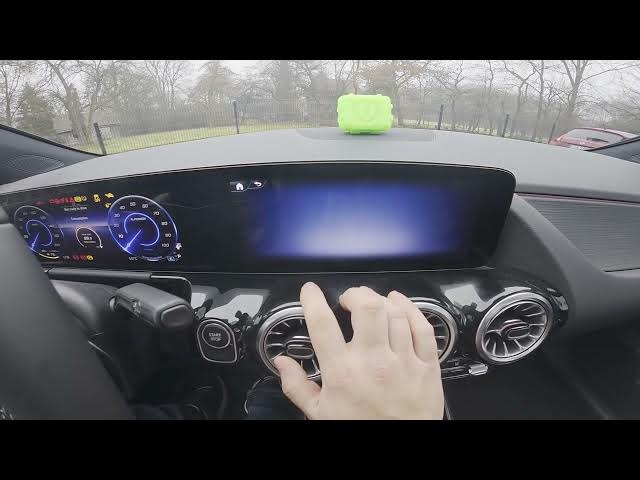

MERCEDES-BENZ EQA – How to Book a Service Appointment
Jan 2, 2026

In this short video we show how to book a service appointment for your MERCEDES-BENZ EQA using the car's MB Apps. You will learn how to open the Service menu, go to Workshop, view the authorized service address, navigate there and tap Book Appointment. Follow the steps to select a service type (Inspection, Tires, Repairs, Diagnosis and more), enter details, and check the total price before confirming. This guide makes scheduling maintenance or repairs quick and easy with the in-car system.
How to book an appointment at MERCEDES-BENZ EQA authorized service?
How to use MB Apps to schedule a Workshop appointment on MERCEDES-BENZ EQA?
How to find service price when booking for MERCEDES-BENZ EQA?
0:00 Introduction – Mercedes EQA and video overview
0:09 Open MB Apps and enter Service menu
0:23 Go to Workshop – view address and navigate
0:30 Tap Book Appointment – choose service type
0:53 Enter details and check total price
1:06 Wrap up – like, comment and subscribe
#MercedesBenz #EQA #ServiceAppointment #CarService
Find out more:
https://www.hardreset.info/devices/mercedes-benz/mercedes-benz-eqa/how-to-book-apointment-at-the-service/
Follow us on Instagram ► https://www.instagram.com/hardreset.info
Like us on Facebook ► https://www.facebook.com/hardresetinfo/
Show More Show Less #Vehicle Parts & Services
#Mercedes-Benz