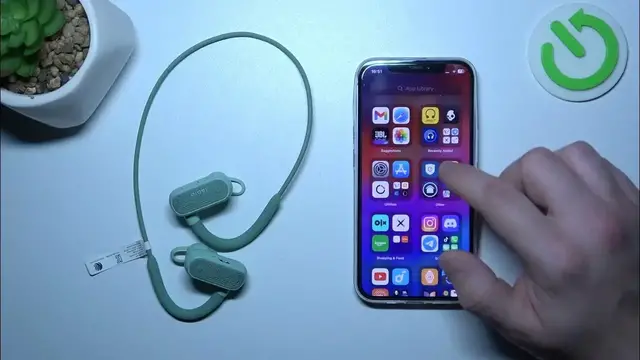

How to Activate Find My Jabra for Your Elite Active 45e Headphones
Mar 3, 2024

Find out more: https://www.hardreset.info/devices/
Unlock the power of peace of mind with our detailed guide on activating the Find My Jabra feature for your Jabra Elite Active 45e headphones. Misplacing your headphones can be a frustrating experience, especially when they're an essential part of your daily routine. This video tutorial is designed to walk you through the process of setting up and using the Find My Jabra feature, a lifesaver tool that helps you locate your misplaced Jabra Elite Active 45e headphones quickly and easily. We'll guide you through downloading the Jabra Sound+ app, enabling the Find My Jabra feature, and demonstrating how to use it to track down your headphones. Ideal for anyone who wants to safeguard their audio investment, this video ensures you never have to worry about losing your Jabra Elite Active 45e again. Join us to explore this essential feature and add an extra layer of security to your Jabra experience.
#JabraEliteActive45e #FindMyJabra #TechTips
Questions:
How to download and set up the Jabra Sound+ app for Find My Jabra?
How to enable the Find My Jabra feature for your Elite Active 45e headphones?
How to use the Find My Jabra feature to locate your misplaced Elite Active 45e headphones?
What to do if your Jabra Elite Active 45e headphones are not showing up on Find My Jabra?
How to ensure your Jabra Elite Active 45e headphones are always connected for Find My Jabra?
Follow us on Instagram ► https://www.instagram.com/hardreset.info
Like us on Facebook ► https://www.facebook.com/hardresetinfo/
Tweet us on Twitter ► https://twitter.com/HardResetI
Support us on TikTok ► https://www.tiktok.com/@hardreset.info
Use Reset Guides for many popular Apps ► https://www.hardreset.info/apps/apps/
Show More Show Less