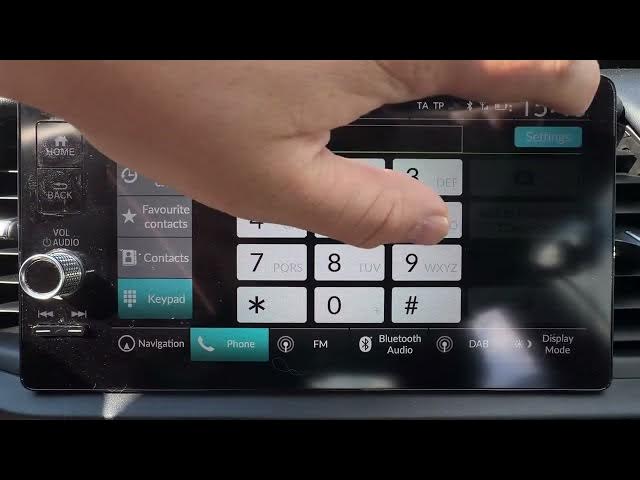

HONDA Jazz V HYBRID - How to Manage Smartphone Settings
May 28, 2026

In this video I show how to manage smartphone settings on the HONDA Jazz V HYBRID infotainment system. You’ll learn how to connect your phone via Bluetooth, open Phone → Settings, change the paired device, enable automatic contact sync, turn on Auto Phone Call Transfer and change the ringtone. These simple steps will help you use hands-free calling and get your phone working smoothly with the car.
How to connect a smartphone to HONDA Jazz V HYBRID via Bluetooth?
How to enable Auto Phone Call Transfer on HONDA Jazz V HYBRID?
How to change ringtone and sync contacts on HONDA Jazz V HYBRID?
0:00 Intro - what we’ll cover
0:06 Make sure your phone is connected via Bluetooth
0:12 Open Phone and go to Settings
0:18 Change paired device and enable automatic sync
0:25 Enable Auto Phone Call Transfer and change ringtone
0:28 Wrap up and subscribe
#HONDAJazz #CarBluetooth #SmartphoneSettings #Hybrid
Find out more:
https://www.hardreset.info/devices/honda/honda-jazz-v-hybrid/
Follow us on Instagram ► https://www.instagram.com/hardreset.info
Like us on Facebook ► https://www.facebook.com/hardresetinfo/
Show More Show Less #Science