0:00
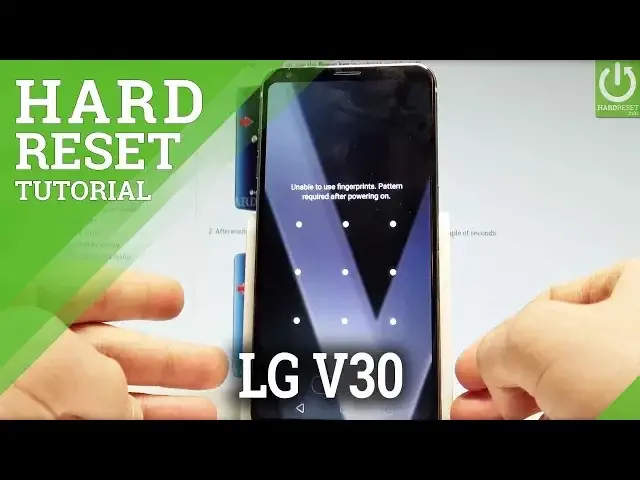
Here I have LG V30 and let me show you how to accomplish the hard reset operation on
0:10
this device and also let me show you how to remove a bypass button or a password protection
0:15
on this device. This method will also remove some biometrics locks such as the fingerprint or face ID
0:22
So at the very beginning let's start by pressing the power key to switch off the device
0:32
Let's just choose the power off and tap power off again just to confirm the whole operation
0:37
Afterwards you need to use the following combination of keys. You need to hold down together the power key right here and volume down
0:46
So let's start holding together these two keys power key and volume down and as soon
0:51
as the LG logo pops up let's release power for about for a second or for two seconds
0:57
and let's keep holding again. So let's start by pressing power key and volume down
1:02
LG pops up let's release power and press it again. Then keep holding both keys for a couple of seconds until the factory data reset menu
1:11
pops up. Here you can navigate by using both volume keys. Scroll down to yes in order to delete all user data and press power key to confirm it
1:22
Now scroll down to yes one more time and press power key to begin the hard reset operation
1:27
So let's press power key as I said. And now the device should start the hard reset operation
1:36
The LG should erase all personal data, customize settings and install apps
1:42
So you have to be patient and wait until the whole operation will be completed. It will also erase your factory, your screen lock methods such as the pattern, passwords
1:52
face ID, fingerprints and other stuff. So let's wait until the welcome panel pops up
2:09
As you can see the LG welcome panel pops up on the screen so now you may start easily
2:13
activating your device. There is no password or a pattern protection so everything went well
2:18
Thank you for watching, please subscribe our channel and leave thumbs up under the video