0:00
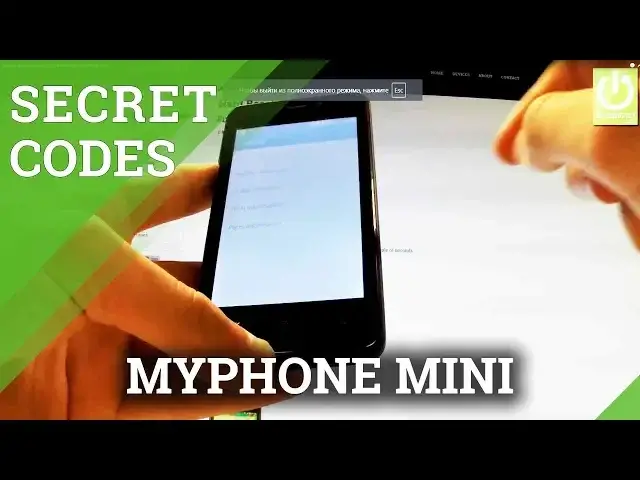
Here I have my phone mini and let me show you all secret codes that works on this device
0:10
At first let's find and open fonts dialer. And this is the place when you should input all secret codes
0:21
Let me start with testing menu so you should input the following numbers
0:25
And as you may observe the testing menu just pops up
0:35
You can choose from the following menu for example phone information. This is full specification of your device
0:43
From that tab you can run a ping test, turn off the radio or for example turn on SMS over IMS
0:52
You can go back to previous menu and choose battery information and here you have such
0:57
things as battery level, battery scale or for example battery temperature. You can go back to previous tab and choose usage statistics and here you have list of
1:08
applications of your device and you can read such things as last time use or usage time
1:16
And you can choose Wi-Fi information when you can find Wi-Fi IP, Wi-Fi config or for
1:26
instance Wi-Fi status. Here you have stats about Wi-Fi, you can refresh them or you can run a ping test
1:36
You can go back and you can choose parts information. For example TP version
1:45
Let's go back to Phones Dialer and let me show you one of the most popular secret codes
1:50
which is star hash 06 hash and as you can see the email numbers of our device just pops up
1:58
Tap OK to close this window. Thank you for watching, please subscribe our channel and leave thumbs up under the video