0:00
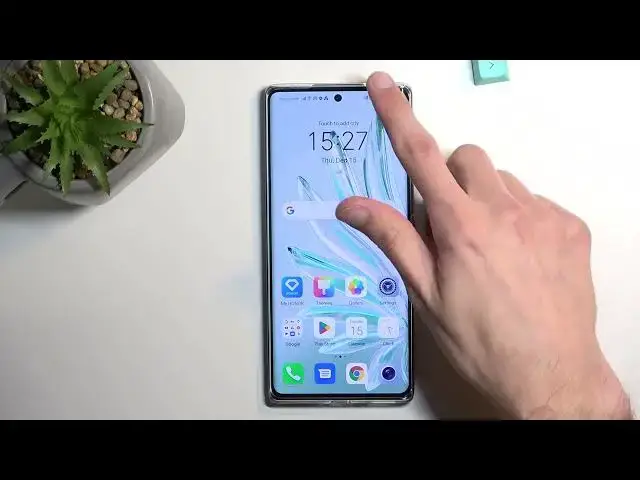
Welcome, I'm Fenomy as a Honor 70 and today I will show you how you can enable and also set up your portable hotspot
0:10
So to get started, let's pull down our notifications Extend the list and somewhere here. You should see hotspot for me
0:17
It's right over here called personal hotspot. And once you see this icon first time around you wanna hold it
0:23
This will quickly take you to the settings where you can customize it now the reason I recommend doing this is because hotspot by default will have a randomly generated password and
0:34
As you can see it's provided right here So number one you can check it from here
0:37
Or if you don't want to use this one you can tap on it and completely remove it
0:41
Which is what I would recommend doing because the randomly generate one is not easy to remember
0:47
To set up your new password. It needs to have at least eight characters in length, which that's good enough
0:54
Obviously you can use letters numbers. It doesn't really matter From there click on OK and that will automatically save it and that's really all I would recommend changing
1:03
You could change a couple additional things if you know what they do But in general if you don't know what these settings do I recommend keeping them as they are. They'll give you the best
1:14
Kind of like usability of this hotspot. So it should work every time you turn it on with any kind of device that
1:22
Is considered smart so it can connect to a network So anyway from here once you set it up you can either turn it on right here by flipping the switch or
1:30
Later on so you don't have to go here You can do it quickly by just tapping on a toggle now if I tap on it
1:35
It will turn off and if I tap on it again, it will turn on So there we go. Now there is also additional setting in the settings there for the hotspot
1:44
Which states that the hotspot will be turned off automatically when it's not being used for I believe it was five minutes
1:50
This is the default setting So if it's a little bit too short for you when the hotspot is
1:56
Just starting a countdown too quick for you, and it just disables it you could extend it
2:00
but I wouldn't recommend turning it off and The reason for this is once you are actually finished using your hotspot
2:08
then if you forget about it, it will all the phone will turn it off for you and
2:14
That is a good thing because Hotspot consumes more of your battery on the phone, and if you're not really using it you're done with it
2:22
And you forget about it. There's really no reason for it to be running and the phone will just turn it off for you
2:27
So there we go obviously you can also turn it off yourself prematurely like you seen by just tapping on the toggle
2:34
There we go so if you found this very helpful, don't forget to hit like subscribe and thanks for watching