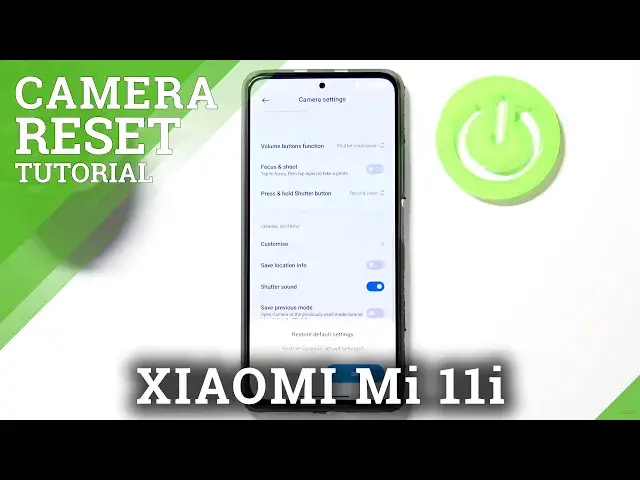

How to Reset Camera Settings on Xiaomi Mi 11i – Camera Option
Apr 14, 2024

Check more info about Xiaomi Mi 11i:
https://www.hardreset.info/devices/xiaomi/xiaomi-mi-11i/
Hi there! Problems with the Camera App sometimes occur on your Xiaomi Mi 11i. But don’t despair, as your Xiaomi Mi 11i have a very useful function - Resetting the Camera Application to factory settings. It's like rebooting and resetting an Xiaomi Mi 11i, but just with one single application. In this video, our Specialist will give you some simple tips on how to fix the problem with the Camera not working on your Xiaomi Mi 11i, so feel free to open the video and enjoy the helpful advice from our Expert! To find more information visit our HardReset.info YT channel and discover many useful tutorials for Xiaomi Mi 11i.
How Do I Restart Camera Settings on Xiaomi Mi 11i?
How to Restore Default Camera Settings on Xiaomi Mi 11i?
How to Easily Fix and Reset Xiaomi Mi 11i Camera?
#ResetCamera #RebootCamera #CameraSettings
Follow us on Instagram ► https://www.instagram.com/hardreset.info
Like us on Facebook ► https://www.facebook.com/hardresetinfo/
Tweet us on Twitter ► https://twitter.com/HardResetI
Support us on TikTok ► https://www.tiktok.com/@hardreset.info
Use Reset Guides for many popular Apps ► https://www.hardreset.info/apps/apps/
Show More Show Less #Science