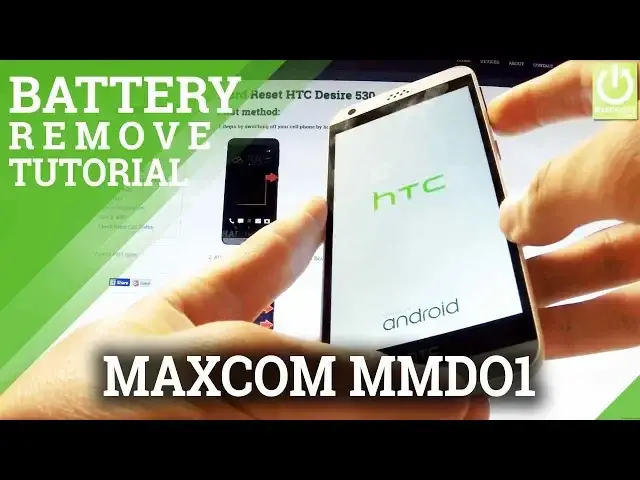
0:00
Here I have Maxcom Neptune and let me show you how to accomplish soft reset operation
0:08
on this device, so how to remove the battery and the back cover from the following phone
0:13
It's especially useful when your device is frozen or just hangs. At the very beginning if it's possible you can switch off your device by holding the
0:19
power key. Then remove the battery. You have to use some screwdriver or for example a coin to open the whole thing
0:31
Let's open the protection. And now you can remove the whole back cover by using the following cavity
0:43
So let's do it. Let's do it step by step from the bottom of your device to the top
0:50
And now you have access to your battery. You can remove the battery by using a down edge of the battery and simply use your nail
0:56
finger to open the whole item. Let me show you. Let me show you one more time
1:03
So let's use some nail fingers and just remove the whole item
1:07
Let's remove it for about 5 to 10 seconds just to reset your device and then put it
1:11
back in the exactly the same way. Put back the back cover protection
1:26
Use some coin to close it. Excellent
1:41
And now you can switch on your phone by holding the power key. The Maxcom is turning on
1:51
Excellent now you can use your device. Thank you for watching. Please subscribe our channel and leave thumbs up under the video