0:00
Hello! In front of me I have a Huawei Watch 4 Pro and I'm gonna show you how to start the workout on this watch
0:12
First we need to wake up the screen on our watch and you can do it by pressing the crown button
0:16
After you wake up the screen you can press the crown button again to open the menu
0:21
In the menu scroll through the list of icons and find the workout icon that looks like this
0:28
Once you find it tap on it to open the workout menu
0:31
And here we have list of different workouts as you can see
0:35
Find the workout you want to start and once you find it tap on it
0:44
And here you may see pop-up about the permission, the location permission
0:49
You can allow it or deny it and once you do you should see this button in the middle of the screen
0:54
And you can tap on it to start the workout. You can press and hold to customize the workout so you can change the type of the information displayed on this page
1:10
Like that. And you can also scroll through the pages to see the different types of data
1:21
You can swipe left on the screen to see the music control menu
1:26
You can use this menu to control the music on your phone or your watch during the workout
1:32
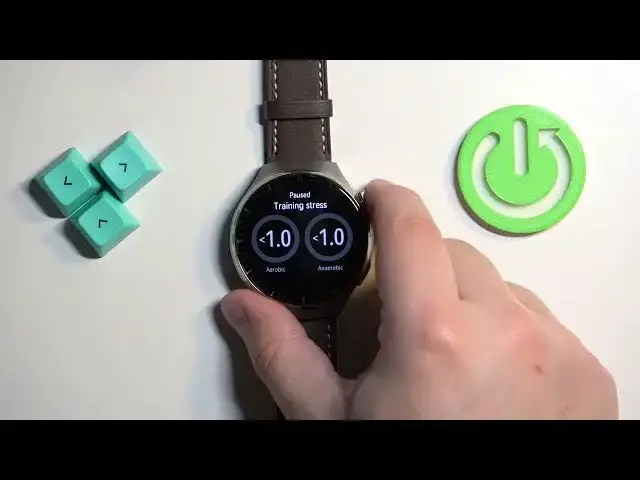
And you can also press the crown button to pause the workout
1:38
And here you can change the volume of the voice prompts basically
1:47
You can also lock the screen I believe or the workout. You can unpause the workout and you can stop the workout by tapping on the stop button
2:01
And then you can end it by tapping on the check button
2:06
And once you're done you can press the crown button to go back to watch face
2:10
You can also start the workout by using the shortcut. Once you're on the home screen you can press the lower button to open this quick menu
2:21
And here you can select the workout icon by using the crown button
2:26
And then you can press the back button to open the workout menu
2:31
And again you can find the workout you want to start, tap on it and then tap on the icon to start the workout
2:38
And then you can press the crown button and start the workout
2:43
And that's how you start the workout on this watch. Thank you for watching. If you found this video helpful please consider subscribing to our channel and leaving a like on the video