0:00
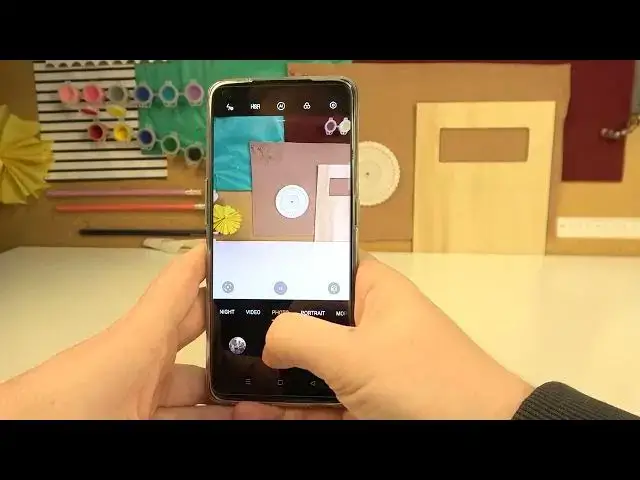
Hello! In this video I want to show you the top tricks you can use on an OPPO Reno5C camera
0:10
So first let's open the camera and the first trick would be to go for the settings
0:16
Here find advanced settings and then enable quick launch gestures. And now if we lock our device this setting allows us to double press volume key on either direction
0:31
So let's click on it and it will open our camera. Now let's go for the next trick or rather tip which is to go for the settings again
0:48
find the resolution, video resolution and make sure that you're using 4K
0:55
Some of the settings might not work then but your pictures will have almost 4 times the quality as a normal 1080p
1:06
So that's very nice to enable and by default it's in 1080p. So just enable that
1:15
Next is to disable the shutter sound and that will make no sound when we take pictures
1:23
Let's disable the timer. So now the shutter sound is enabled. Now if we disable it there's no sound
1:47
Next option is that you can scroll down right here and change some of the settings quickly like frame
1:57
So that's aspect ratio of your photos but that might change the resolution
2:02
You can add timer or enable 48 megapixels right here. Another trick is to click somewhere on the screen where you want to focus the light
2:15
and that way you'll be able to change the light and temperature of your photos
2:22
And that's it for this video. Hope you like it. Please consider subscribing to our channel, leave like and comment below