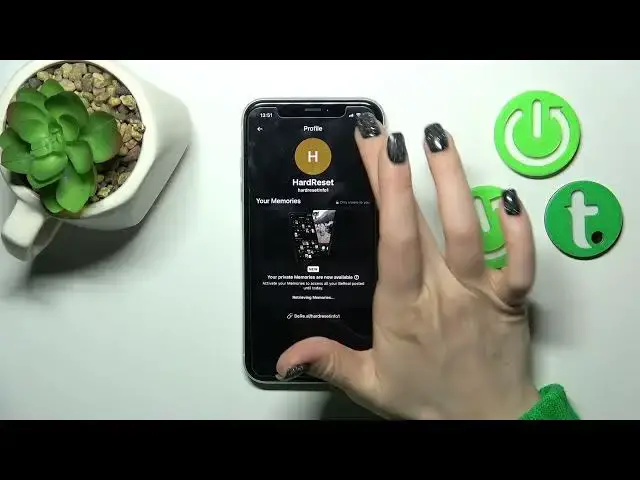

How to Log Out from BeReal Account - How to Sign Out from BeReal
Jul 26, 2024

Check more info about BeReal App on:
https://www.youtube.com/c/HardresetInfo/
Hi Everyone! To log out of a BeReal account first you should open the BeReal app on your device tap the menu icon (usually three horizontal lines) in the upper left corner of the screen and scroll down and find the "Log Out" option, then tap "Log Out." Confirm the log out by tapping "Yes" or "OK" on the confirmation screen. You will be logged out of your BeReal account and taken back to the login screen. For more information visit our Hardeset.info YT channel and discover many useful tutorials.
How to Sign Out of BeReal account?
How to End BeReal Session in BeReal App?
How to Log Out from BeReal Account?
#LogOutFromBeReal #SignOut #BeRealApp
Follow us on Instagram ► https://www.instagram.com/hardreset.info
Like us on Facebook ► https://www.facebook.com/hardresetinfo/
Tweet us on Twitter ► https://twitter.com/HardResetI
Support us on TikTok ► https://www.tiktok.com/@hardreset.info
Use Reset Guides for many popular Apps ► https://www.hardreset.info/apps/apps/
Show More Show Less #Science