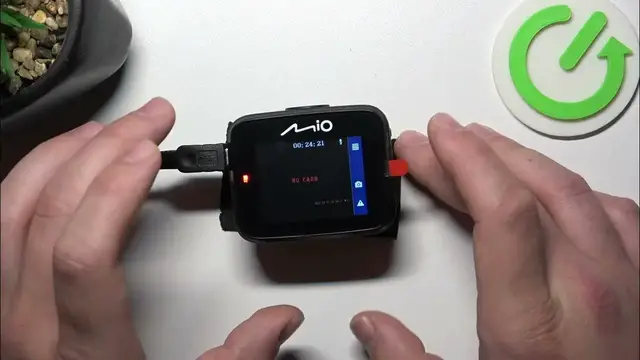

How To Start Emergency Recording In Mio MiVue C312
Jan 19, 2024

Find out more on our website : https://www.hardreset.info
Learn how to initiate emergency recordings on your Mio MiVue C312 dash camera with this informative tutorial. Emergency recording mode is a valuable feature that allows you to quickly preserve critical moments during unexpected events. Whether you're a new MiVue C312 owner or looking to understand the emergency recording process, this video provides step-by-step guidance on how to start emergency recordings effectively.
How can I start an emergency recording on my Mio MiVue C312 dash camera?
Why is emergency recording important, and in what situations should it be used?
What happens when I activate emergency recording on the MiVue C312?
Can I customize the settings or duration of emergency recordings?
Are emergency recordings stored separately from regular video files on the camera?
How do I ensure that an emergency recording is not accidentally overwritten or deleted?
What should I do if I encounter difficulties or issues while starting an emergency recording?
#Mio #dashcamera #mivue
Follow us on Instagram ► https://www.instagram.com/hardreset.info
Like us on Facebook ► https://www.facebook.com/hardresetinfo/
Tweet us on Twitter ► https://twitter.com/HardResetI
Support us on TikTok ► https://www.tiktok.com/@hardreset.info
Use Reset Guides for many popular Apps ► https://www.hardreset.info/apps/apps/
Show More Show Less #Science