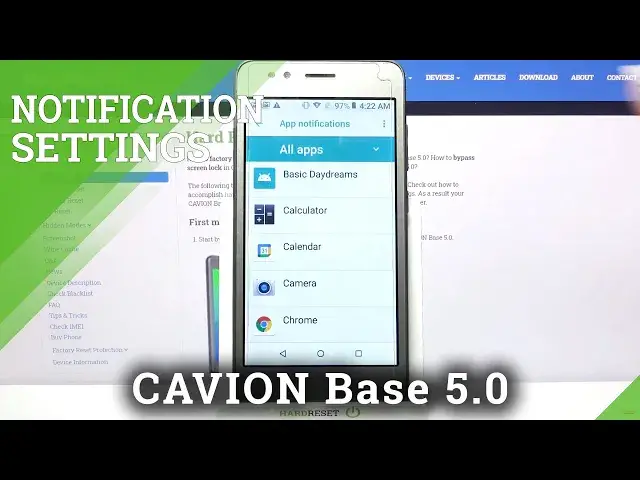

CAVION Base 5.0 and Notification Settings – Activate & Disable App Notifications
Apr 20, 2024

Find out more about CAVION Base 5.0:
https://www.hardreset.info/devices/cavion/cavion-base-50/
To turn off messages from applications you don't need, you have to enter the main settings of the CAVION Base 5.0 phone and, having found the Notifications section in them, switch off the selected program from the list. In the tutorial above, we show you how to do this in a split second. If you subscribe to our channel, you will find even more interesting tutorials!
How to Manage Apps Notifications on CAVION Base 5.0? How to Find Notifications Settings on CAVION Base 5.0? How to Turn On Apps Notifications on CAVION Base 5.0? How to Disable Messages from App on CAVION Base 5.0? How to Turn On Alerts from App on CAVION Base 5.0? How to Change Apps Notifications List on CAVION Base 5.0? How to Block Messages from Apps in CAVION Base 5.0?
#AppsNotifications #ManageNotifications #CAVIONBase5.0
Follow us on Instagram ► https://www.instagram.com/hardreset.info
Like us on Facebook ► https://www.facebook.com/hardresetinfo/
Tweet us on Twitter ► https://twitter.com/HardResetI
Support us on TikTok ► https://www.tiktok.com/@hardreset.info
Use Reset Guides for many popular Apps ► https://www.hardreset.info/apps/apps/
Show More Show Less #Science