0:00
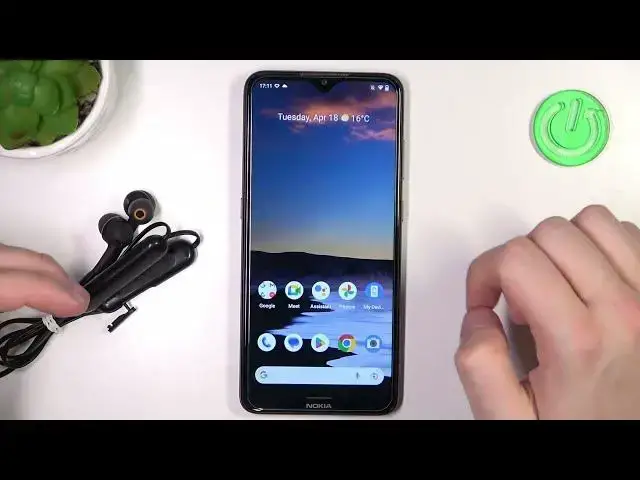
Welcome, in this video I'm going to show you how you can fix connection problem
0:04
with your Sony WI-XB400 earbuds. Okay so as you can see in my case that's the notification that they cannot
0:14
communicate with my phone and I'm gonna show you my way to fix this problem
0:20
So first of all just go back from the spare new device list. Simply restart the
0:26
Bluetooth settings on your phone. So turn them off and after a few seconds we are
0:31
gonna turn them on. But right now just be sure that your device is turned off
0:37
As you can see in my case when I click on the power button as you can see this
0:42
indicator is not activate so it means that they are turned off. That's very
0:46
important. Next power on Bluetooth on your phone. Click and hold the icon to
0:53
open the Bluetooth settings and right now you have to click and hold this
0:56
power button to move this earbuds to the pairing mode manually. So click and hold
1:02
take a look on this small indicator when it starts blinking white it means that
1:08
they are in the pairing mode. I mean blue not white. As you can see right now it's
1:13
blinking quickly so we can release that button and then on our phone click to
1:18
pair a new device. Now just wait until they pop on the list and here we have
1:25
our earbuds. So click on them once try to hit the pairing button and as you can
1:34
see right now it works. So as you can see that's the method that is
1:39
working for me. You have to simply restart Bluetooth settings on your phone
1:43
then power off your device and then move them to the pairing mode manually
1:47
And that's how you can fix one of the connection problem of this WI-XB400
1:54
earbuds. Thank you guys for watching. Remember to leave a like, comment and subscribe to our channel