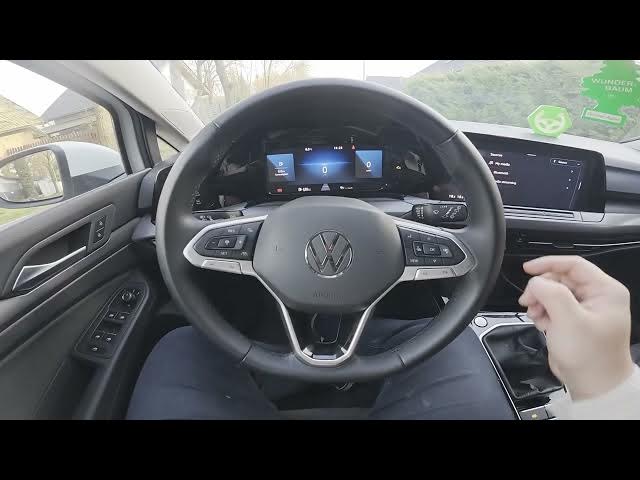

Volkswagen Golf VIII (2019 - now) – How to Manage Radio Station Logos
Jan 19, 2026

Learn how to manage radio station logos on your Volkswagen Golf VIII (2019 - now). In this short, clear video you will see how to find the radio logo settings in the infotainment system, enable automatic logo selection, view available station logos and change the station logo region so the correct artwork appears while you browse radio stations. These steps help your car show proper station icons and improve the overall radio experience.
How to manage radio station logos on Volkswagen Golf VIII (2019 - now)?
How to enable automatic select station logo on Volkswagen Golf VIII (2019 - now)?
Where to change station logo region on Volkswagen Golf VIII (2019 - now)?
0:00 Introduction and overview
0:08 Open Radio → Media and enter Settings
0:23 Switch on "Automatic select station logo" and check station logos
0:34 Select station logo region to get correct artwork
0:38 Outro — like, comment and subscribe
#VolkswagenGolf #GolfVIII #CarRadio #RadioLogos
Find out more:
https://www.hardreset.info/devices/volkswagen/volkswagen-golf-viii-2019-now/how-to-manage-radio-stations-logos/
Follow us on Instagram ► https://www.instagram.com/hardreset.info
Like us on Facebook ► https://www.facebook.com/hardresetinfo/
Tweet us on Twitter ► https://twitter.com/HardResetI
Show More Show Less