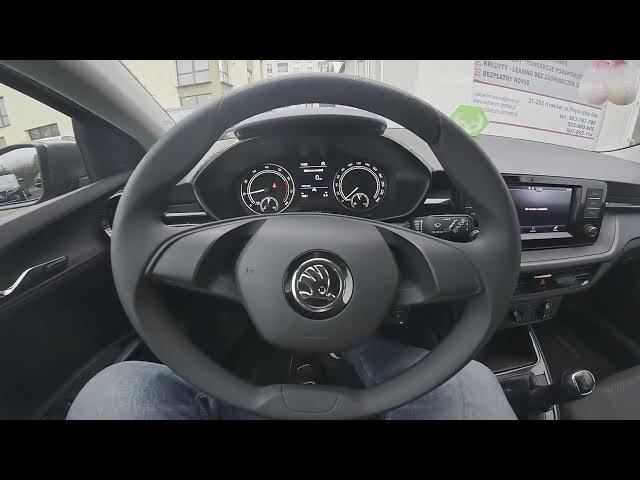

Skoda Fabia IV (2021 - now) – How to Change Radio Band
Jan 7, 2026

In this short clear video you will learn how to change the radio band on a Skoda Fabia IV (2021 - now). I show how to open the infotainment Radio screen, go to Band and choose between FM, TAB, USB 1.2 or Bluetooth audio. These simple steps help new Fabia owners switch radio sources and audio input quickly. If this video helps, please leave a like and subscribe for more Skoda Fabia tips and car infotainment how-tos.
How to change radio band on Skoda Fabia IV (2021 - now)?
How to select FM, TAB, USB 1.2 or Bluetooth audio on Skoda Fabia IV radio?
How to find the Band setting in Skoda Fabia IV infotainment system?
0:00 Intro and quick overview
0:05 Open the Radio screen on the infotainment
0:13 Go to Band in the Radio menu
0:20 Select FM, TAB, USB 1.2 or Bluetooth audio
0:27 Outro and like/subscribe request
#SkodaFabia #CarRadio #Infotainment #RadioBand
Find out more:
https://www.hardreset.info/devices/skoda/skoda-fabia-iv-2021-now/change-radio-band/
Follow us on Instagram ► https://www.instagram.com/hardreset.info
Like us on Facebook ► https://www.facebook.com/hardresetinfo/
Tweet us on Twitter ► https://twitter.com/HardResetI
Show More Show Less