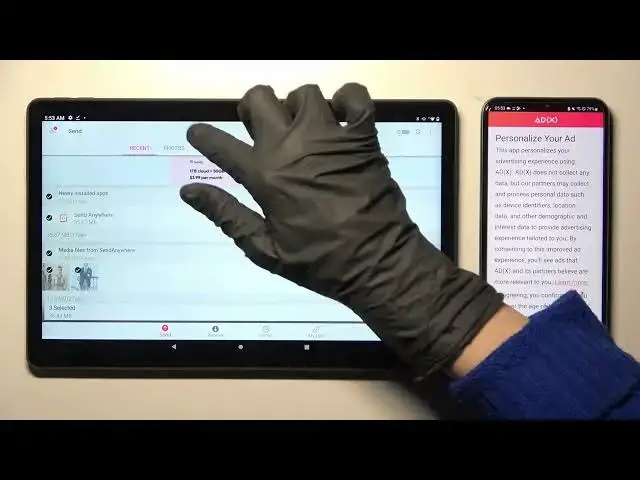

Transfer files from Lenovo Tab P11 Plus to any Android Device
Mar 25, 2024

Check more info about LENOVO TAB P11 PLUS :
https://www.hardreset.info/devices/lenovo/lenovo-tab-p11-plus/tutorials/
There are several ways to connect a printer to a Lenovo Tab P11 Plus tablet, depending on the type of printer you are using and the connectivity options it supports. Here are some options you can try:
Connect the printer to your tablet via Wi-Fi: Many modern printers support Wi-Fi connectivity, which allows you to print wirelessly from your tablet. To connect your printer to your tablet via Wi-Fi, follow these steps:
On your printer, make sure Wi-Fi is enabled and the printer is connected to the same Wi-Fi network as your tablet.
On your tablet, go to "Settings" "Connections" "Wi-Fi" and ensure that Wi-Fi is enabled.
In the list of available Wi-Fi networks, select your printer's network and enter the password if prompted.
Once your tablet is connected to the printer's network, you should be able to print wirelessly.
Connect the printer to your tablet via Bluetooth: If your printer supports Bluetooth connectivity, you can connect it to your tablet using Bluetooth. Here's how:
On your printer, make sure Bluetooth is enabled.
On your tablet, go to "Settings" "Connections" "Bluetooth" and ensure that Bluetooth is enabled.
In the list of available devices, select your printer and follow the prompts to pair the devices.
Show More Show Less #File Sharing & Hosting
#Photo & Video Sharing
#Photo & Image Sharing
#Video Sharing