0:00
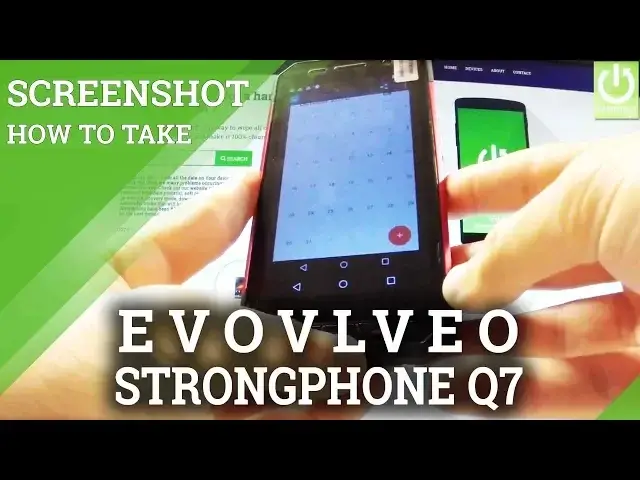
Here I have Evolve O Strong Phone Q7 and let me show you two methods of how to take screenshots
0:10
in this phone. First of all, let's open the screen that you want to capture, in my case it could be calendar
0:17
and let's assume that this is the screen that I want to save
0:21
So the first method includes two keys, volume down and power key
0:25
Let's hold down together these two keys for about 1 or 2 seconds and as you can see and
0:30
hear the device just captures screenshot. Let me do it one more time, hold down simultaneously volume down and power key and we just save
0:39
another screenshot. Another method includes only power key so hold down together power key for a few seconds
0:48
then choose take screenshot and we save another picture. Let's do it one more time, hold down power key, take screenshot, excellent
1:00
Now if you want to edit, share or delete all screenshots you have to find the screenshot
1:04
album or you can use upper bar, choose screenshot captured and from that menu you can share
1:12
edit or do whatever you want with the following pictures. Thank you for watching, please subscribe our channel and leave thumbs up under the video